When you select a customer, you’ll gain access to a comprehensive profile of that customer. This page will help you understand your customers better. You can edit your customer information and understand your customer context through the history conversations section.
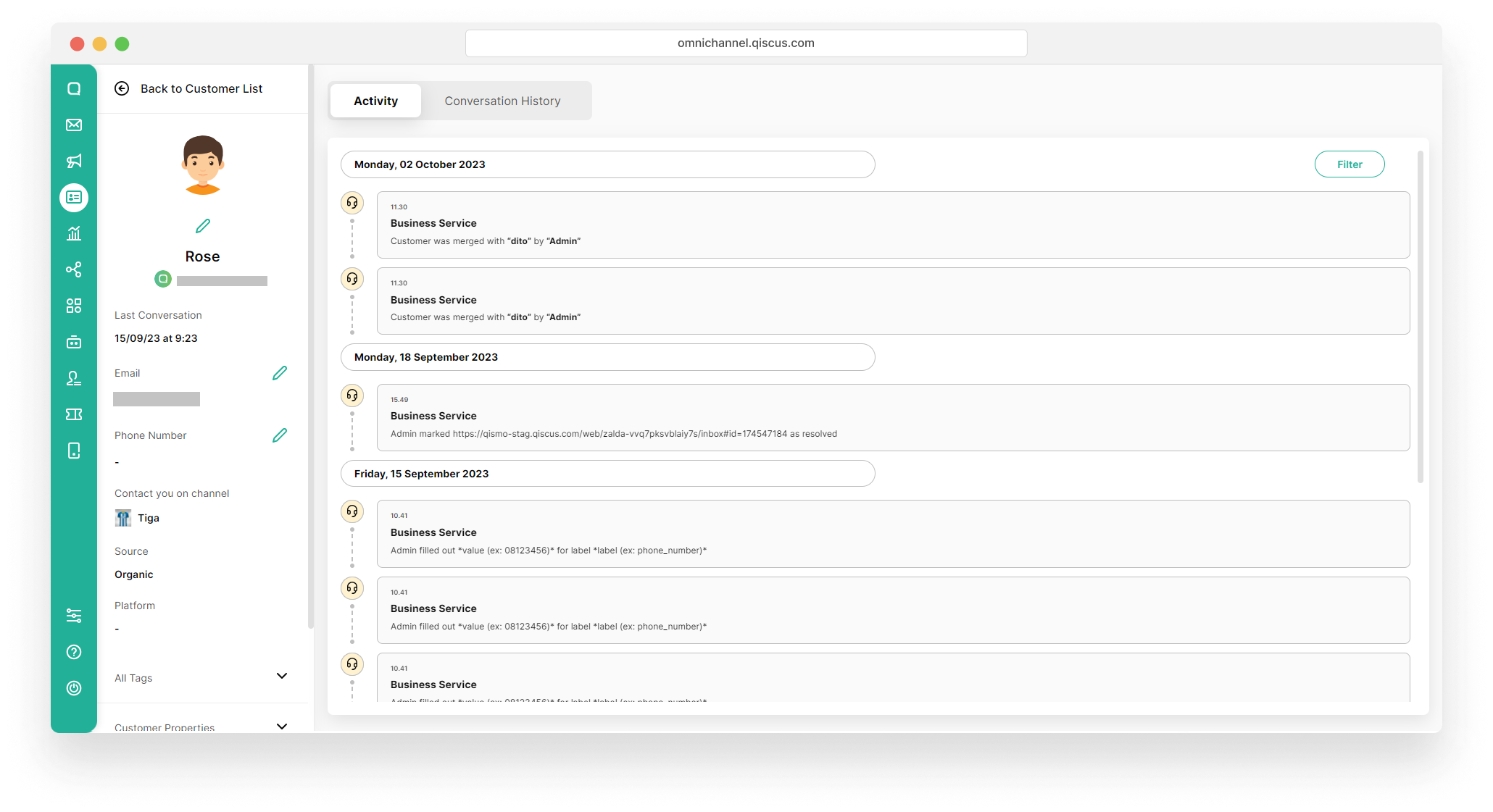
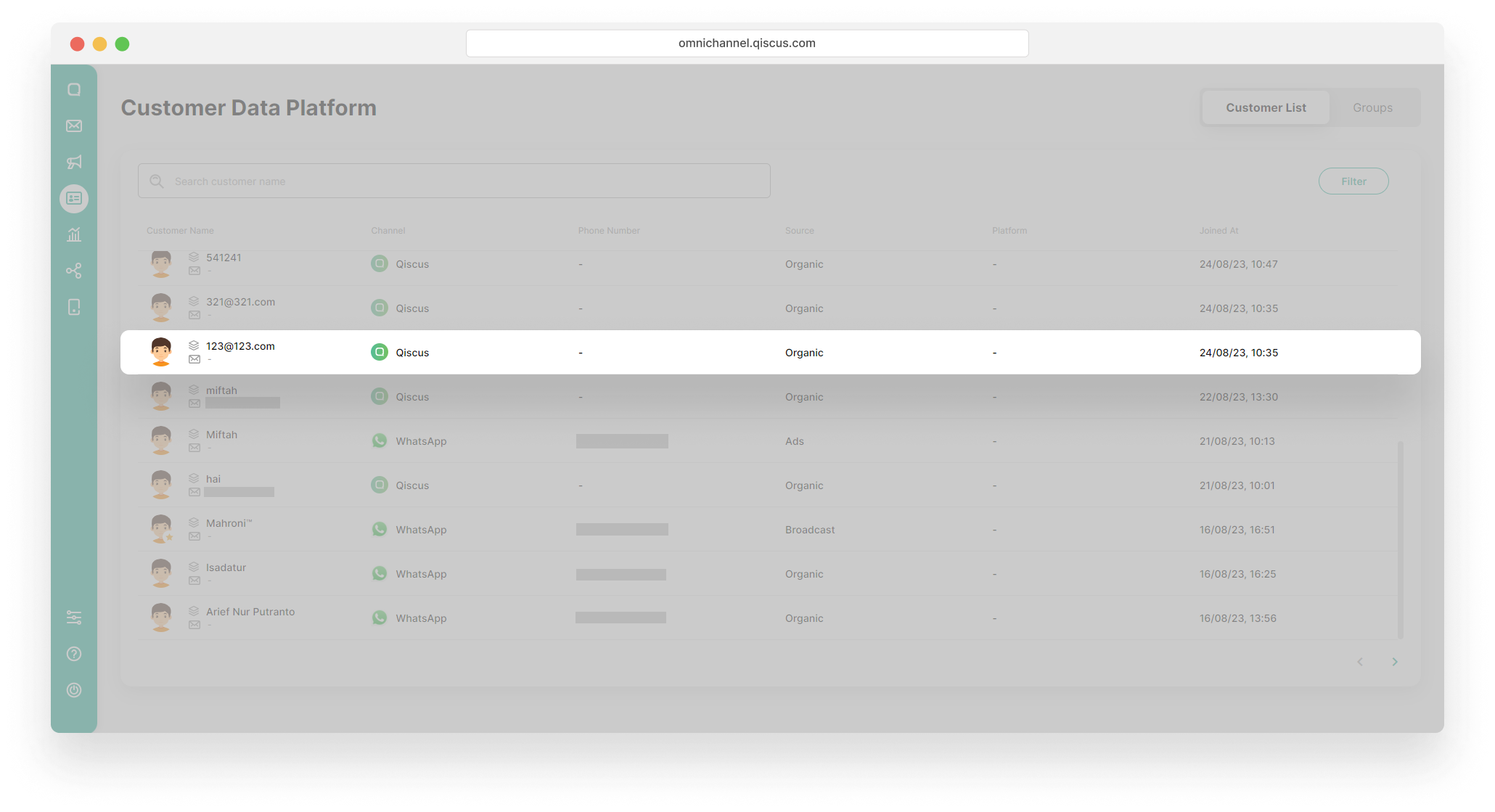
To edit your customer information and view history conversations, you can follow these steps:
- Select a customer,
- Click the pencil icon above the name to edit the customer name,
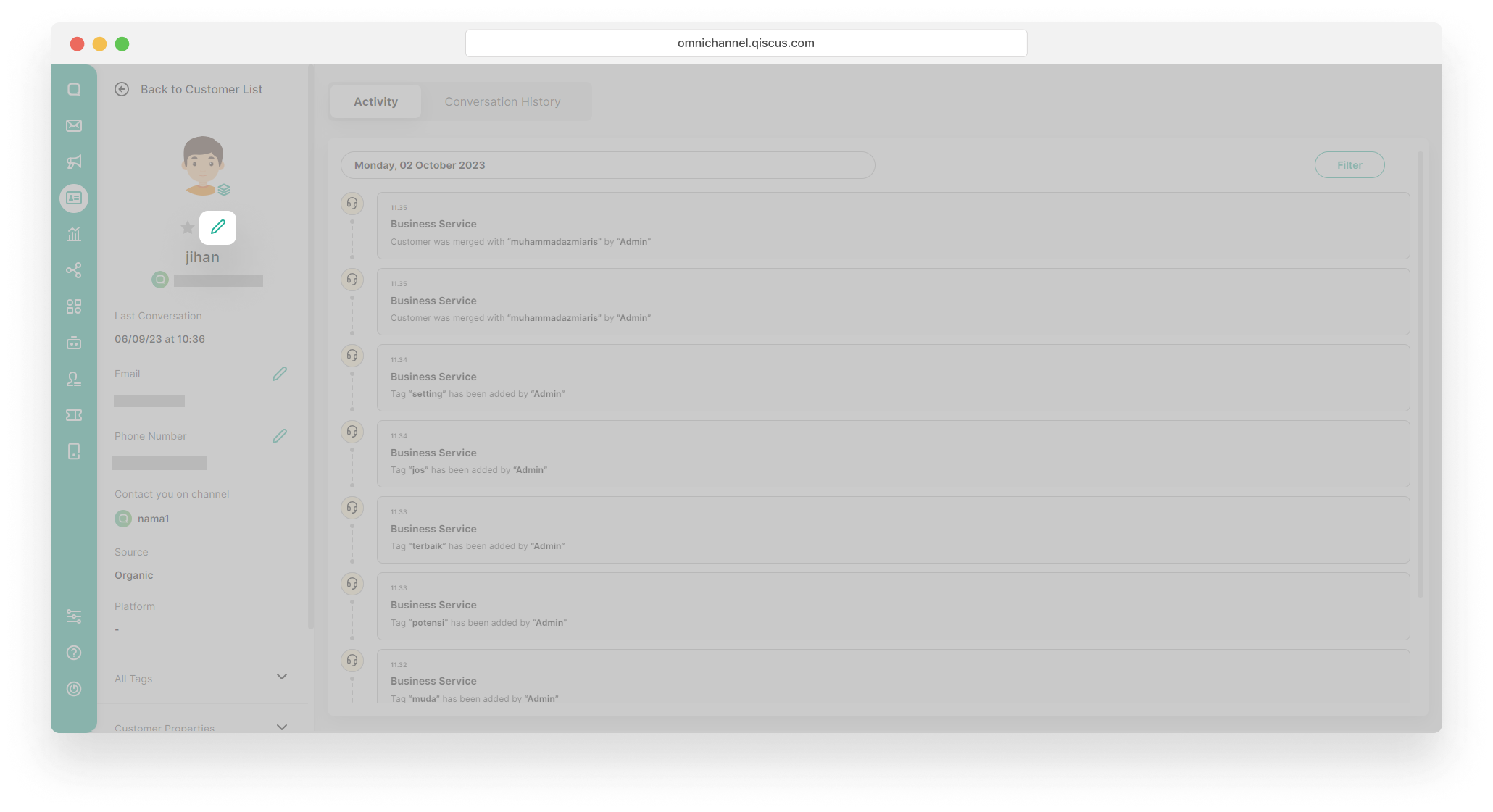
Editing the customer name also effected on the name in the chat room in Inbox
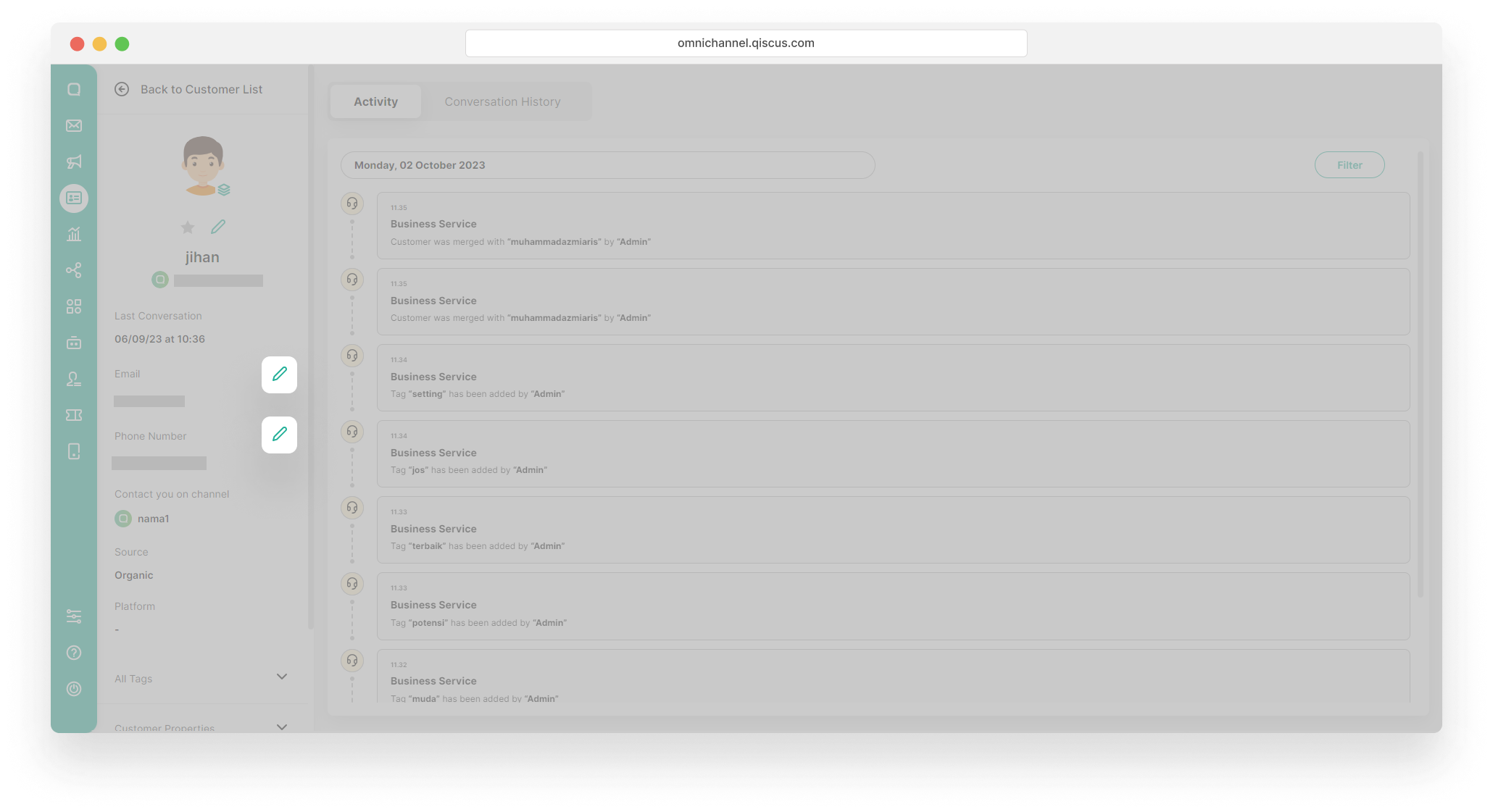
- Click the pencil icon next to the email and phone number to add or edit the email and phone number,
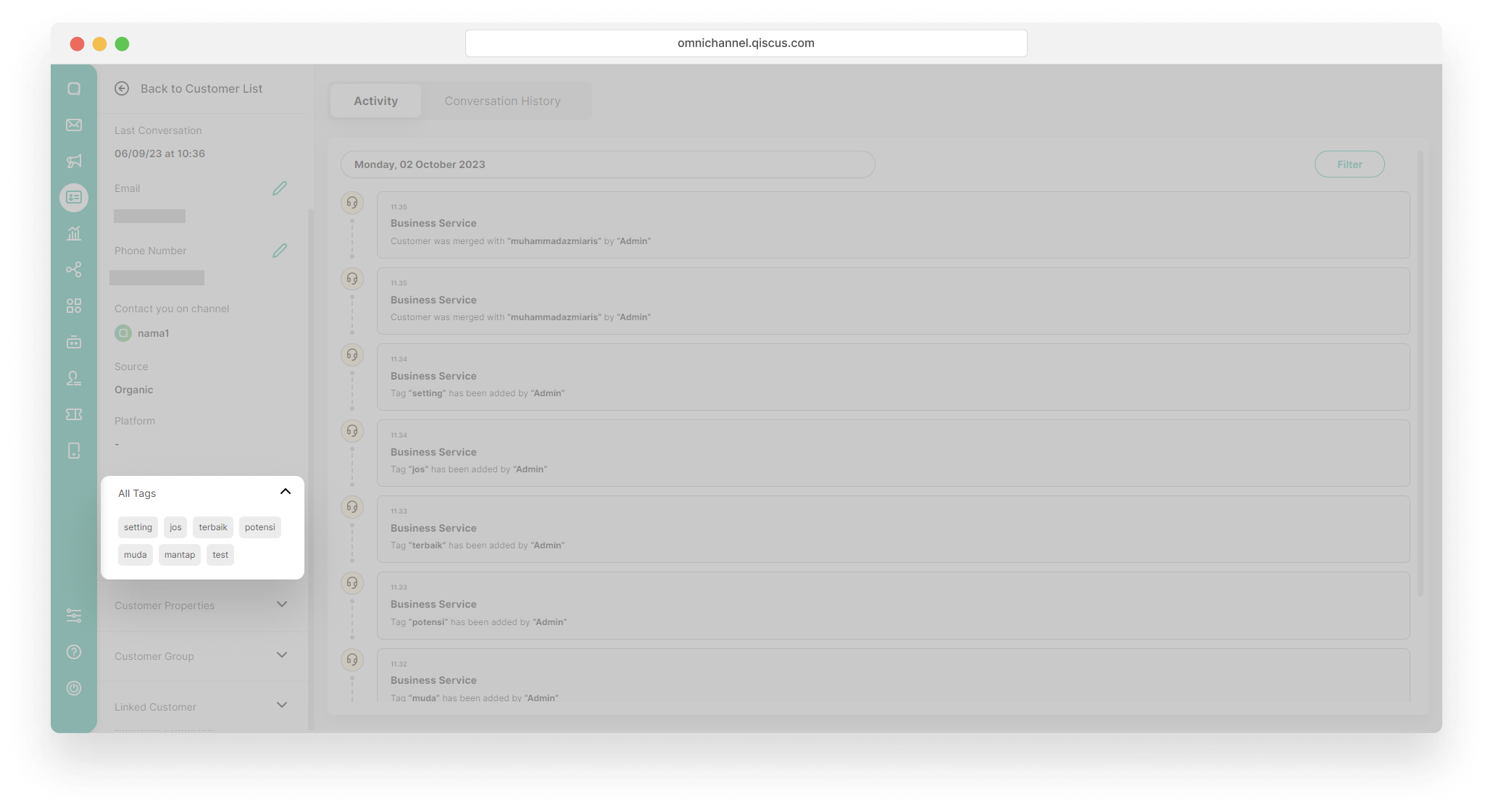
- Click dropdown Tags to see tag,
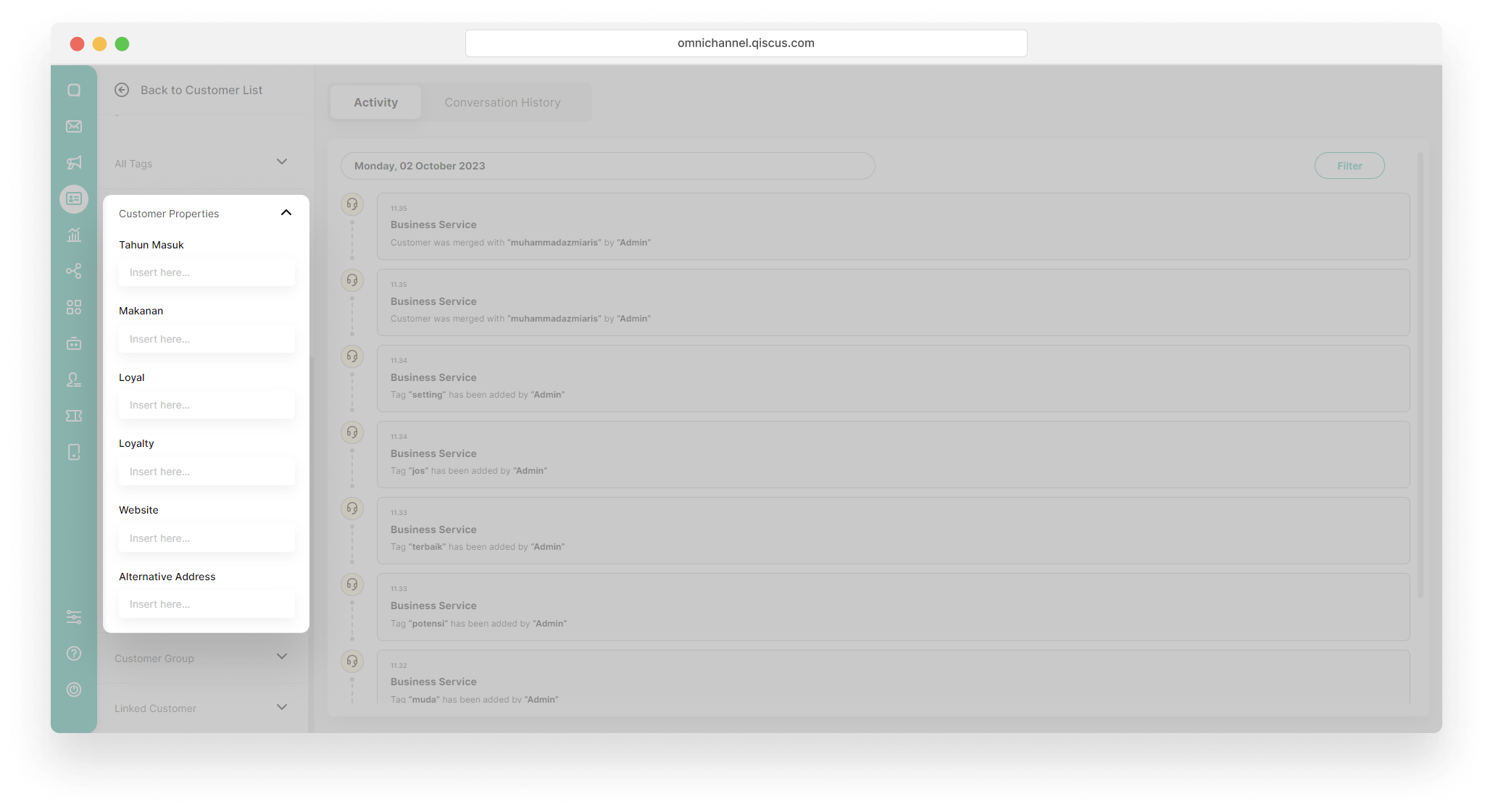
- Click dropdown Customer Properties to see or add a value to customer properties,
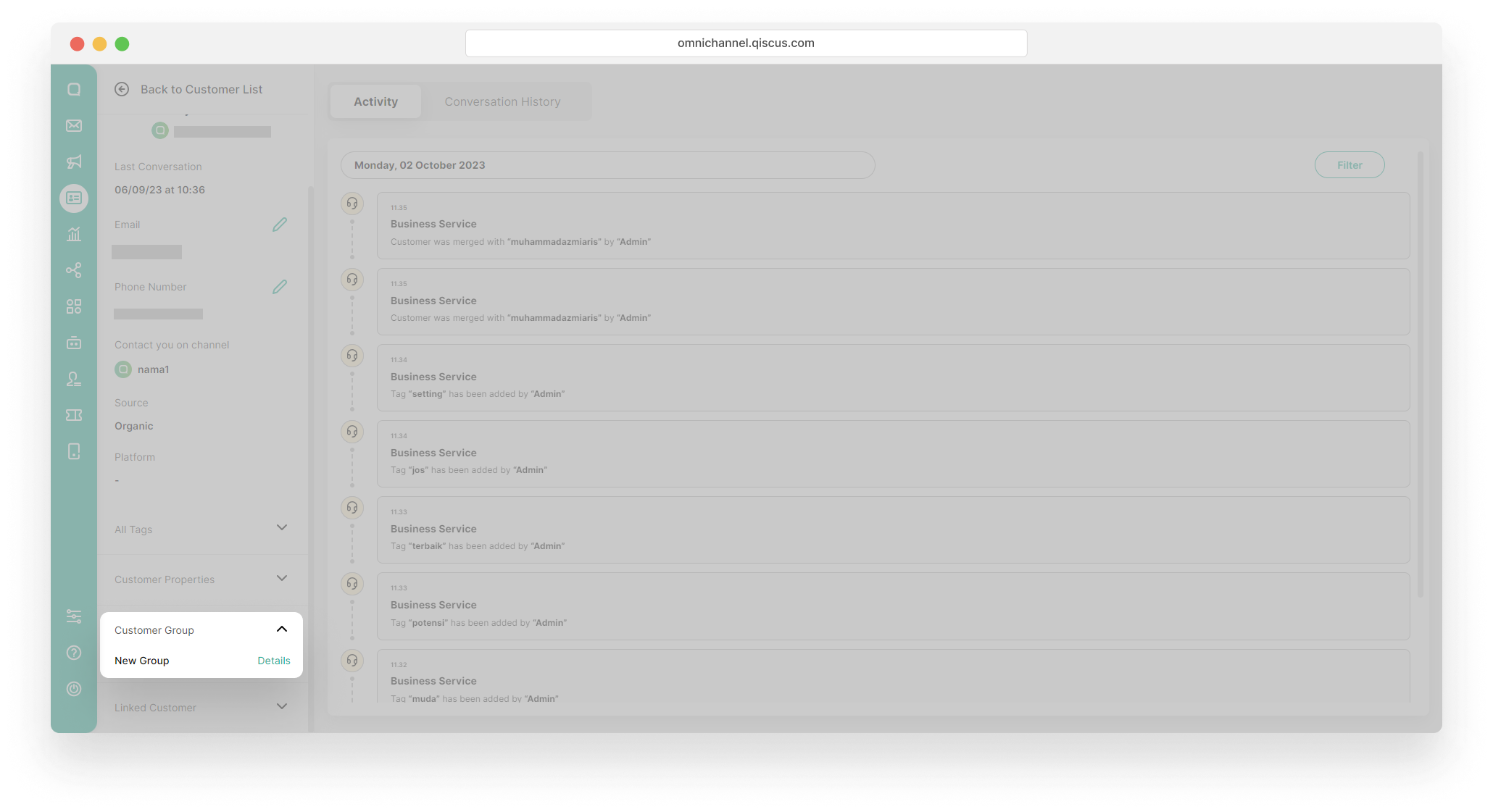
- The Customer Group section contains a list of all customer groups where the customer is a member.
Activity and Conversations History
Within the customer details page, you’ll find two tabs: Activity and Conversations History.
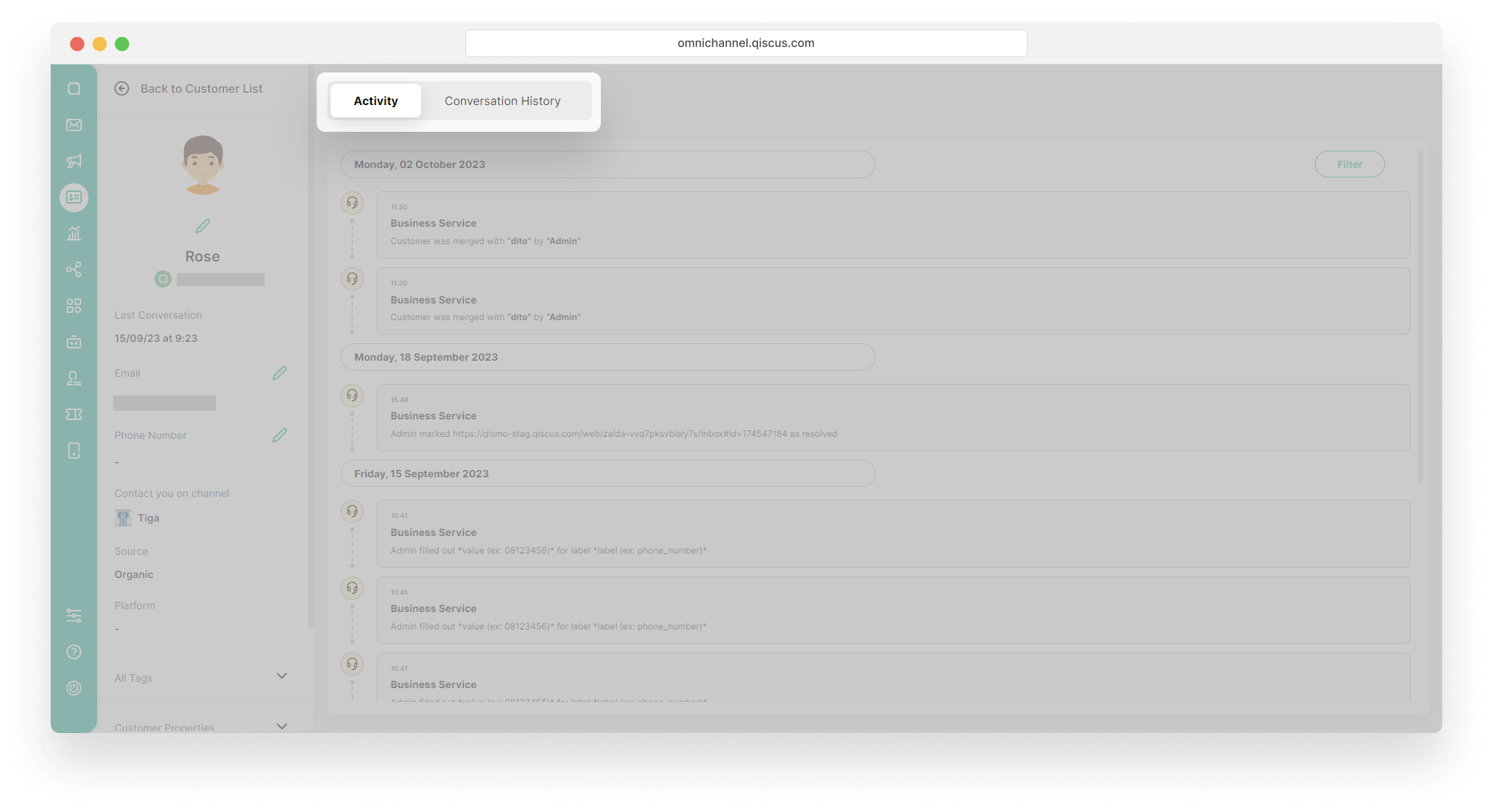
The Activity tab presents a chronological list of events that have taken place in the customer’s chat room. These events are initiated by specific actions or occurrences. Here, you can view detailed information regarding when these activities occurred and the nature of each event.
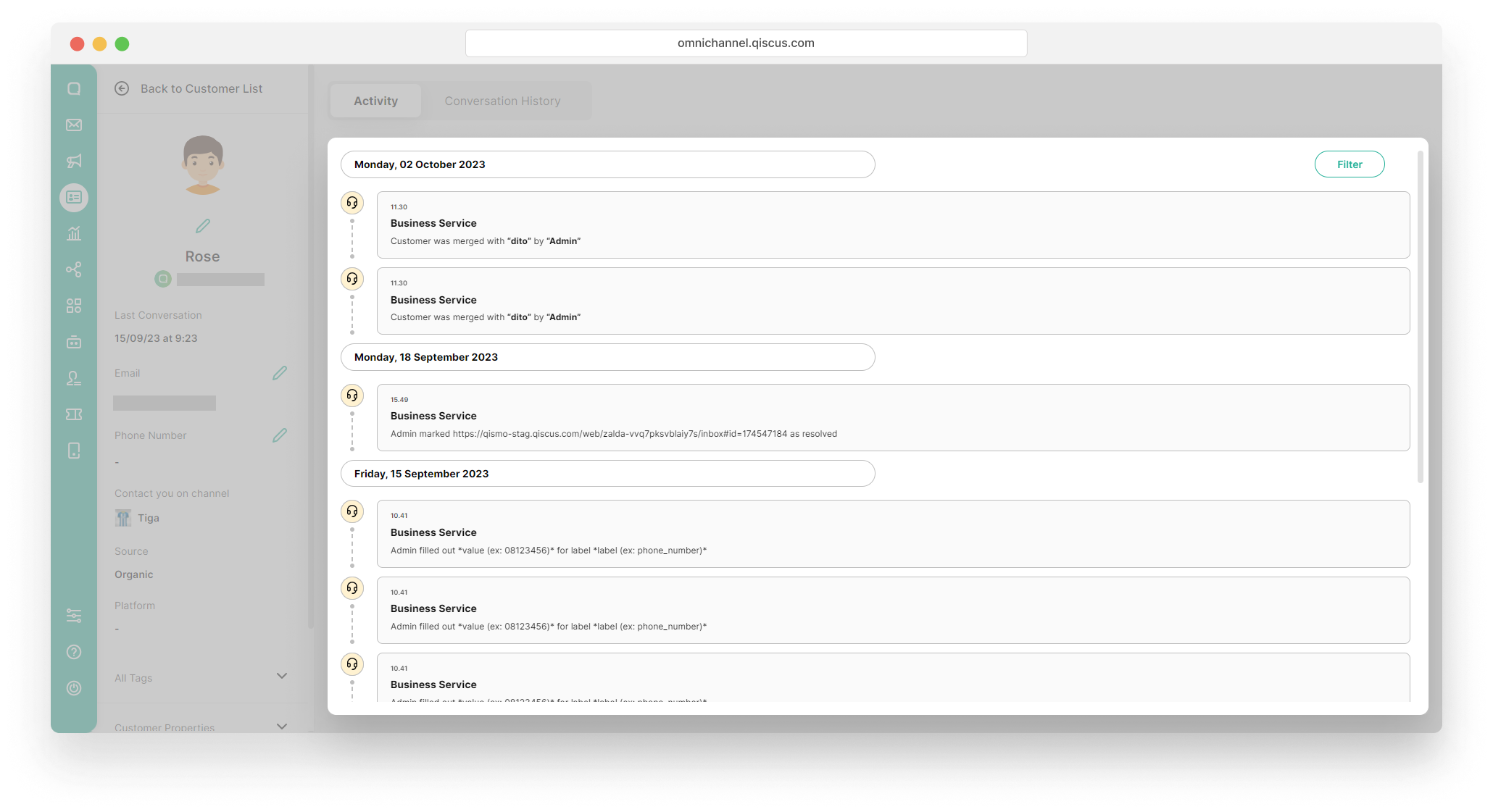
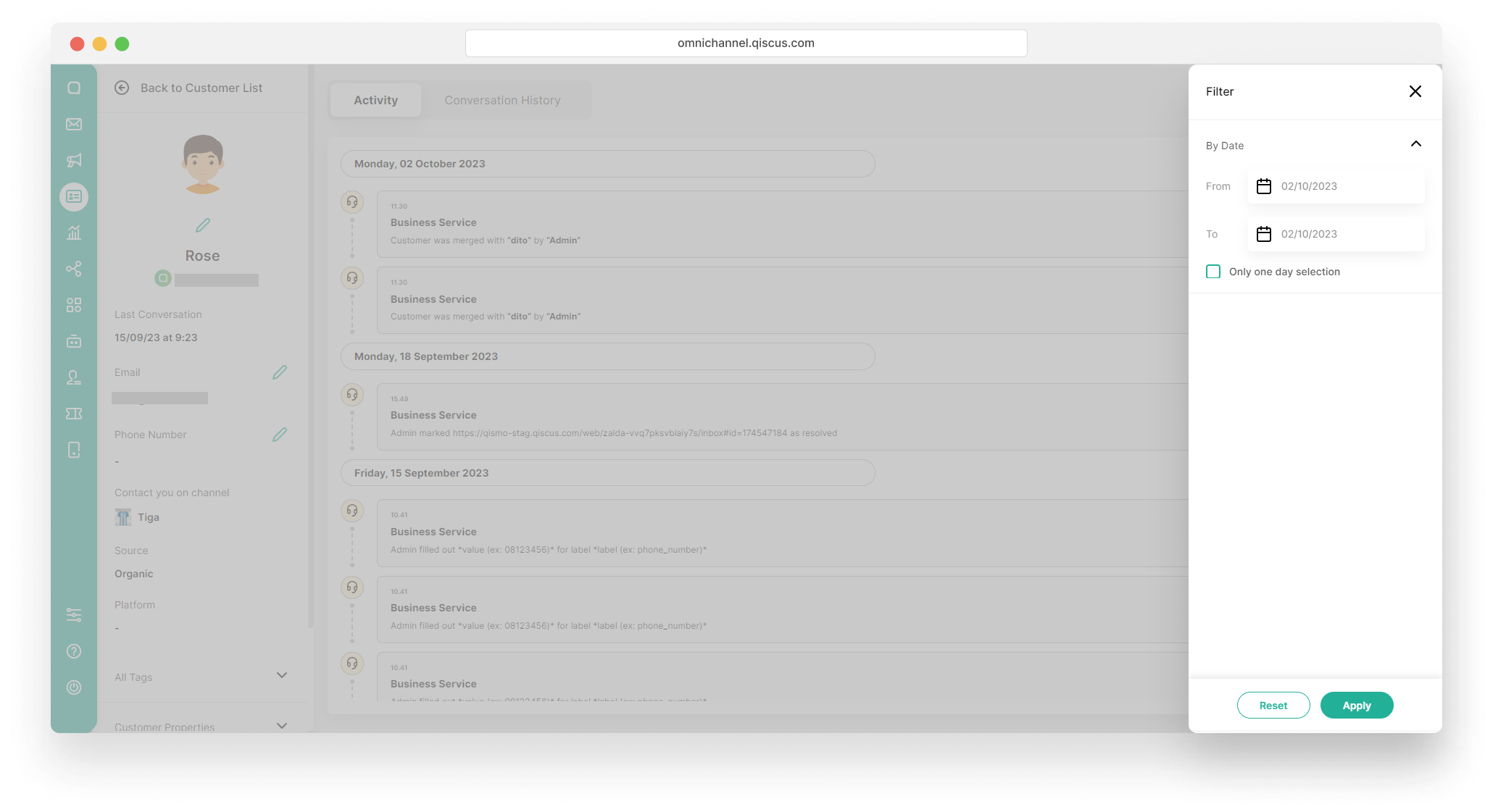
You can filter activities by date.
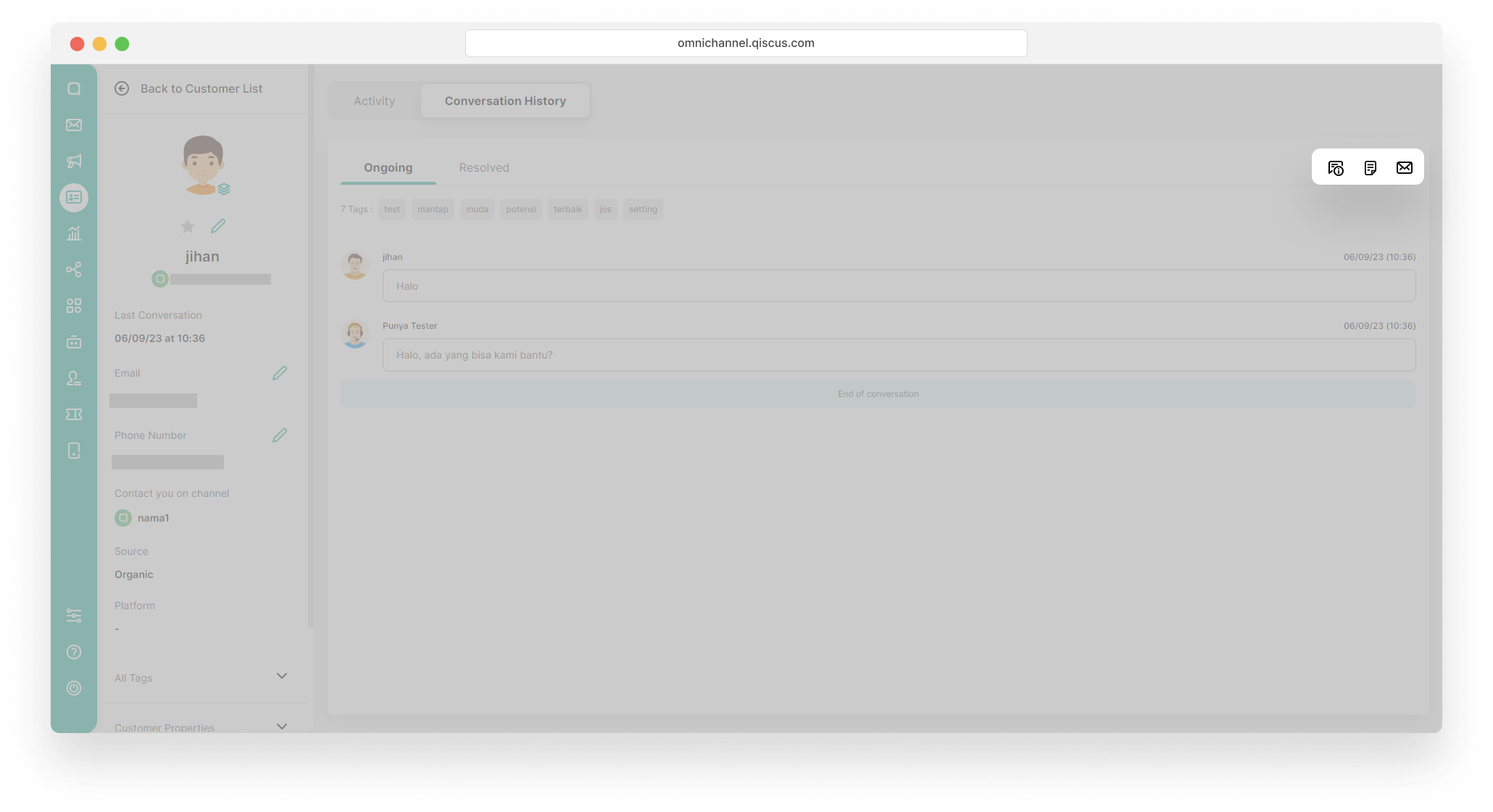
Meanwhile, on the Conversations History tab, you can see all customer conversations. Conversations history is divided into Ongoing and Resolved.
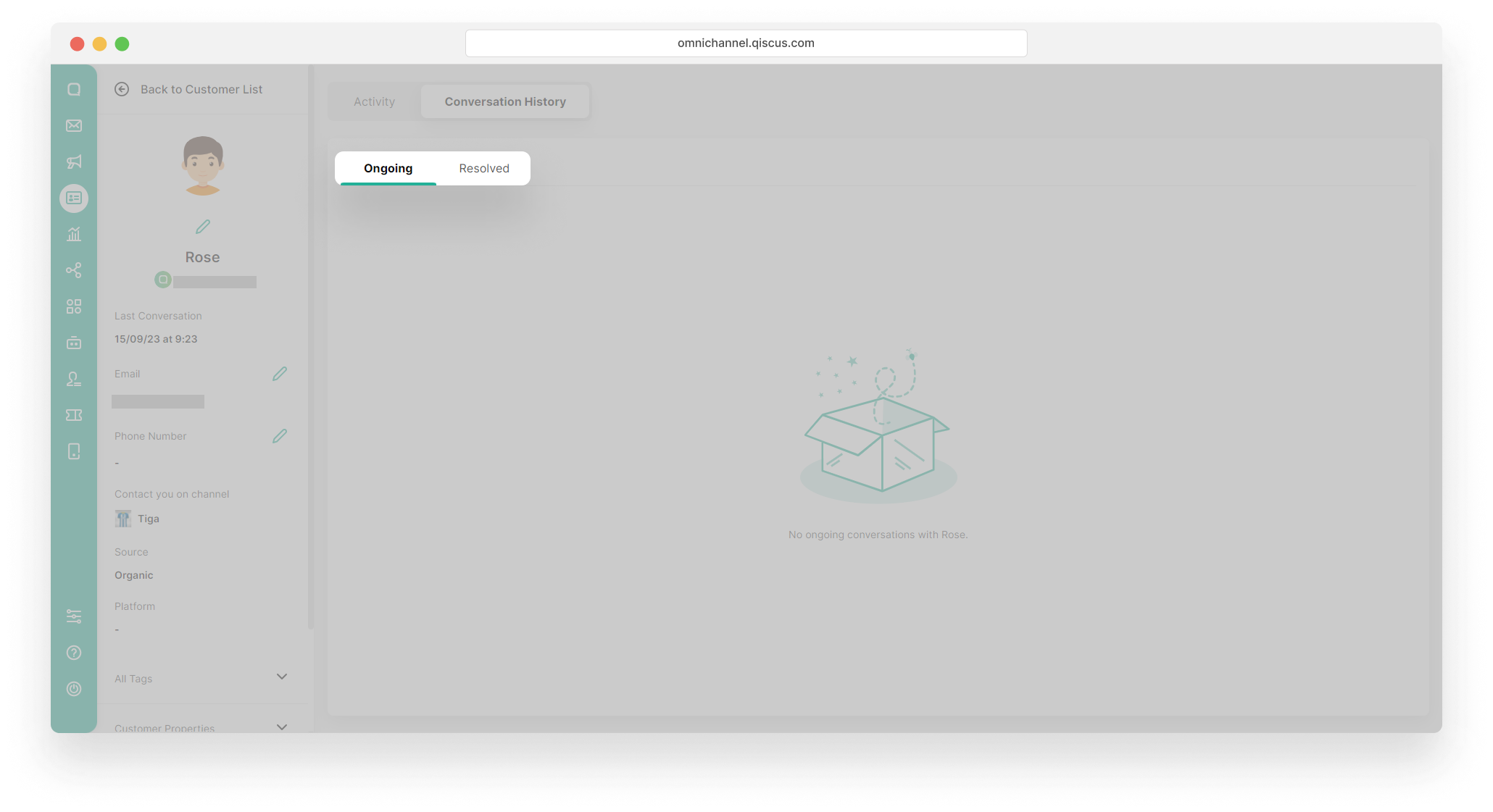
On the Ongoing tab, you can see the conversations that are currently taking place between the agent and the customer.
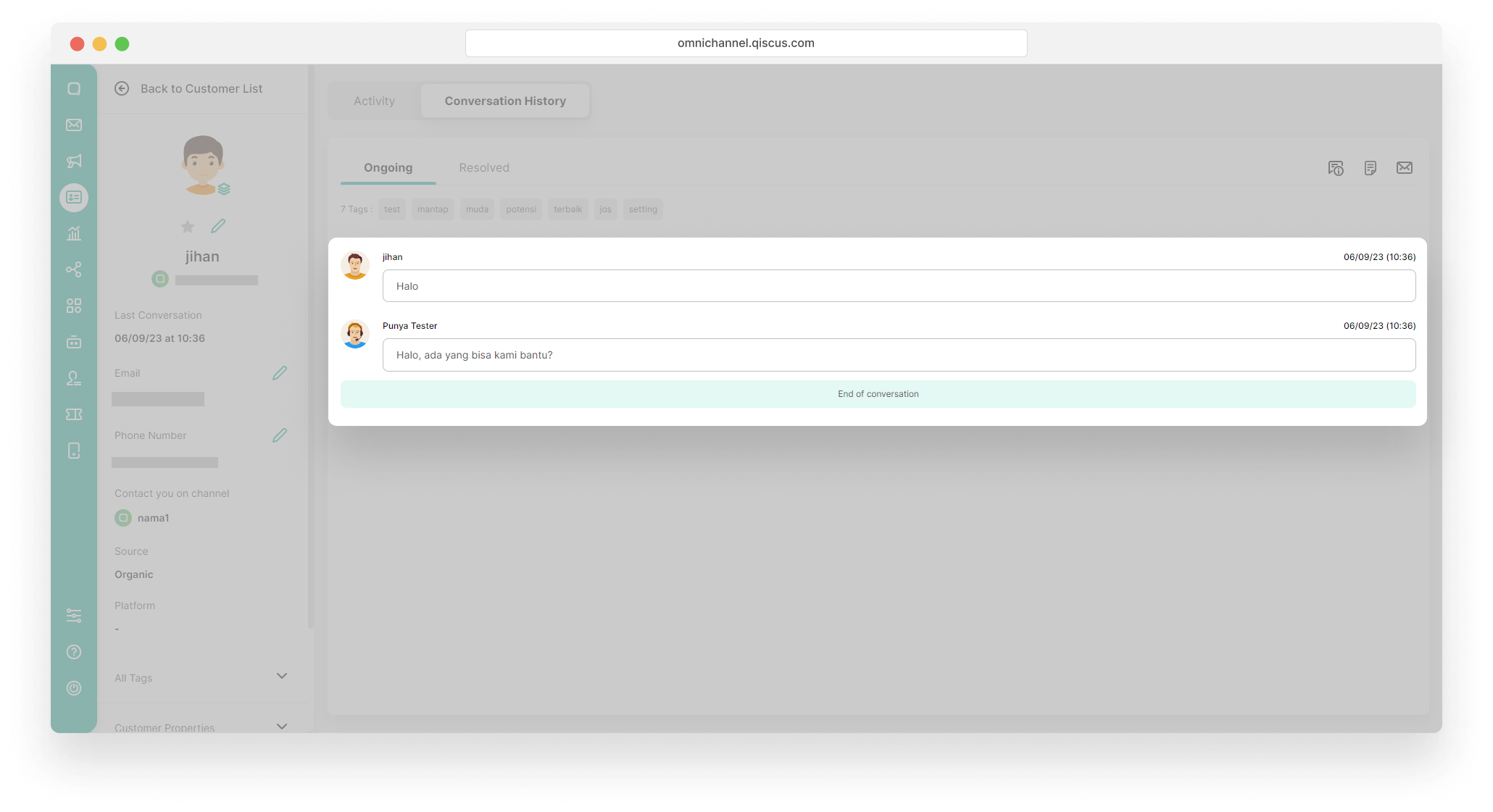
On the top right side, you can see 3 icons, Additional Information, Notes, and also Go To Inbox. If you click Additional Information and Notes, a pop up information will appear. Likewise, if you click Go To Inbox, you will automatically be directed to the Inbox page.
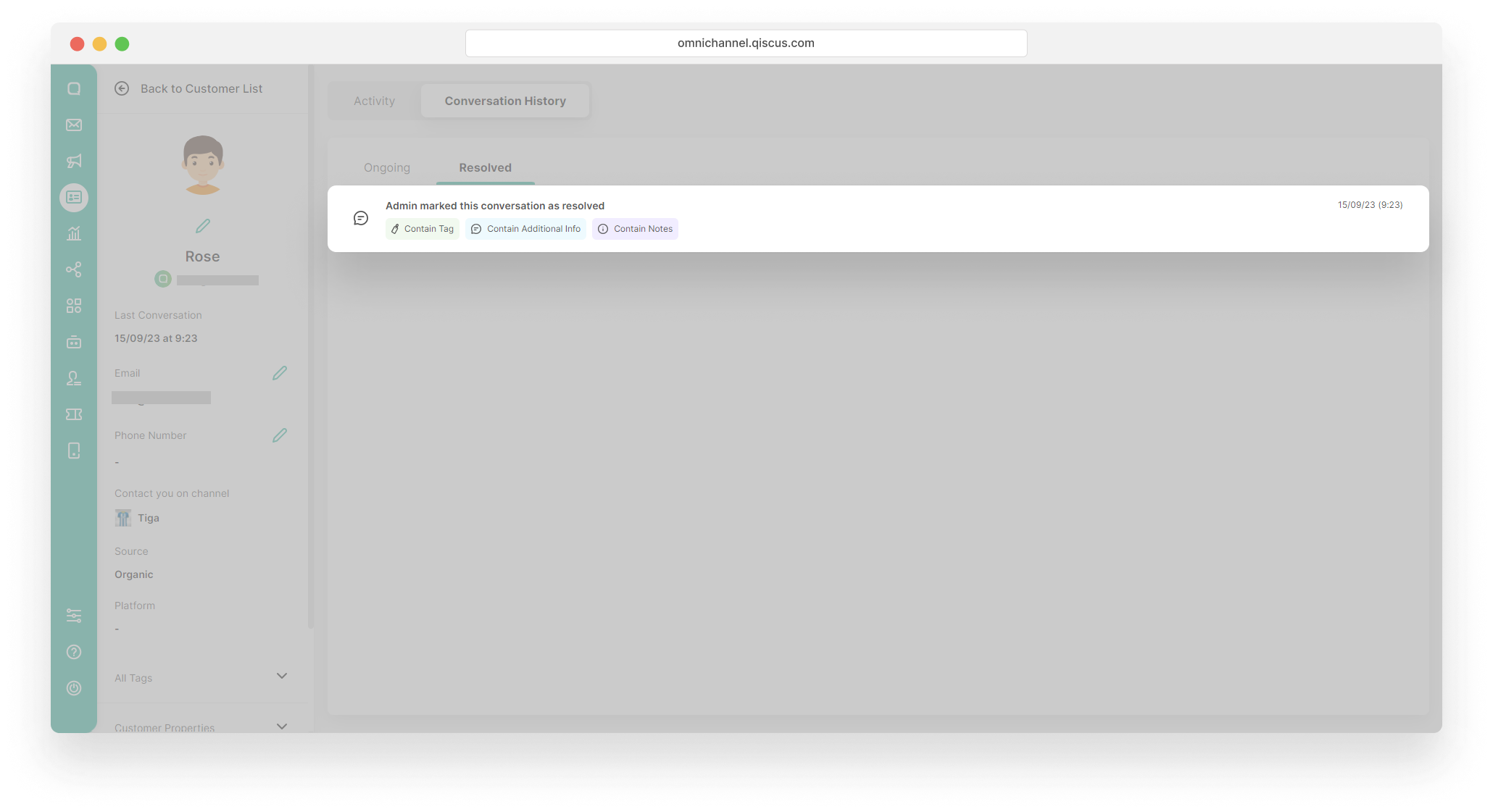
On the Resolved tab, you can see the conversations that already resolved. Click the conversation to see the detail.
Leave a Reply