Now Robolabs can create projects with GPT Engine. All conversations will be handled by the AI chatbot and it is also hoped that users can carry out knowledge training from the AI if the knowledge from the AI is not extensive in an easy way in Qiscus Robolabs.
To be able to use this GPT Engine, you must fill out the request form first so that the Qiscus team can verify whether your company is capable of using this bot project.
Request Bot Project with GPT Engine
- Go to Robolabs, then select Bot Integration
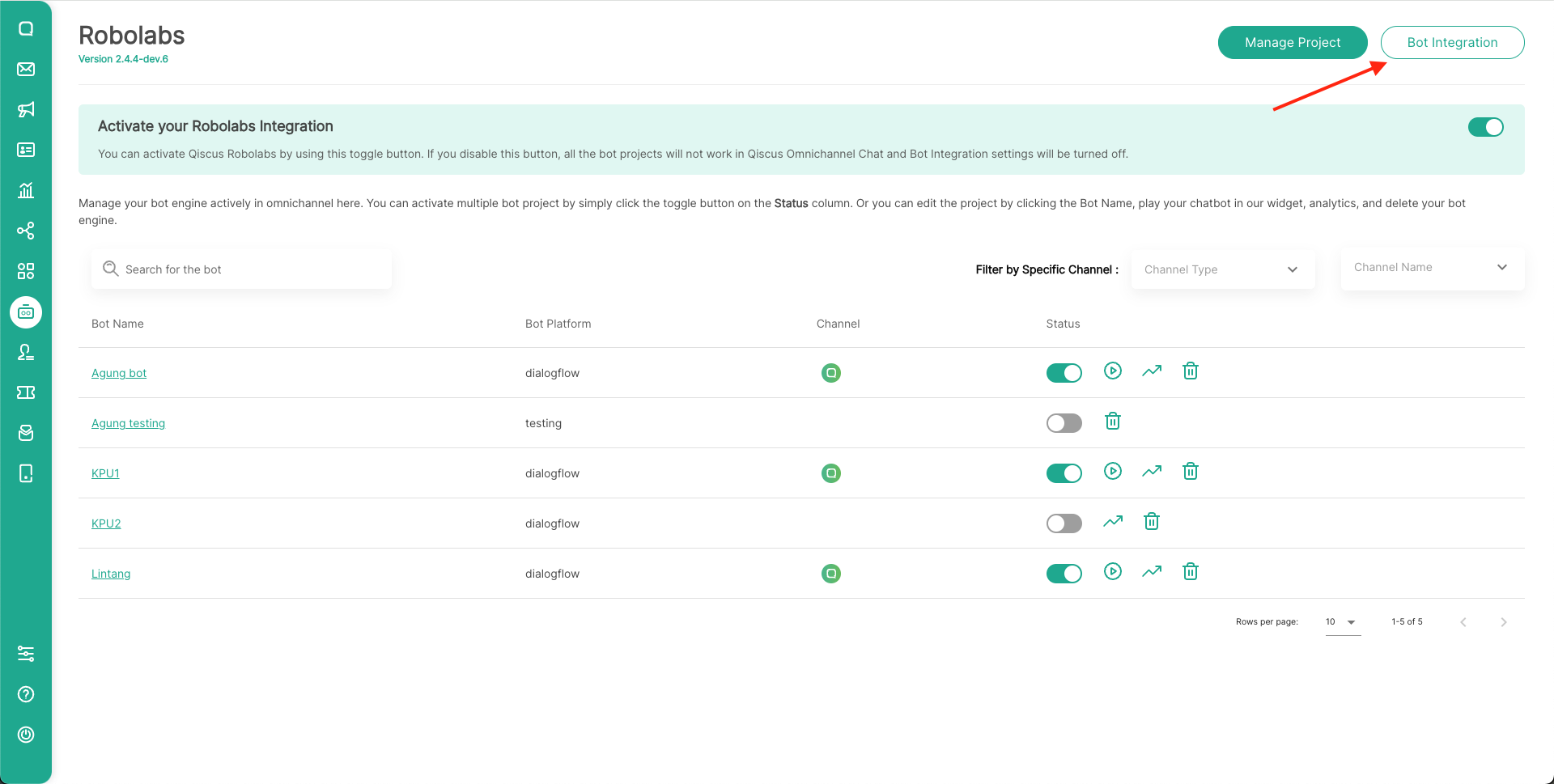
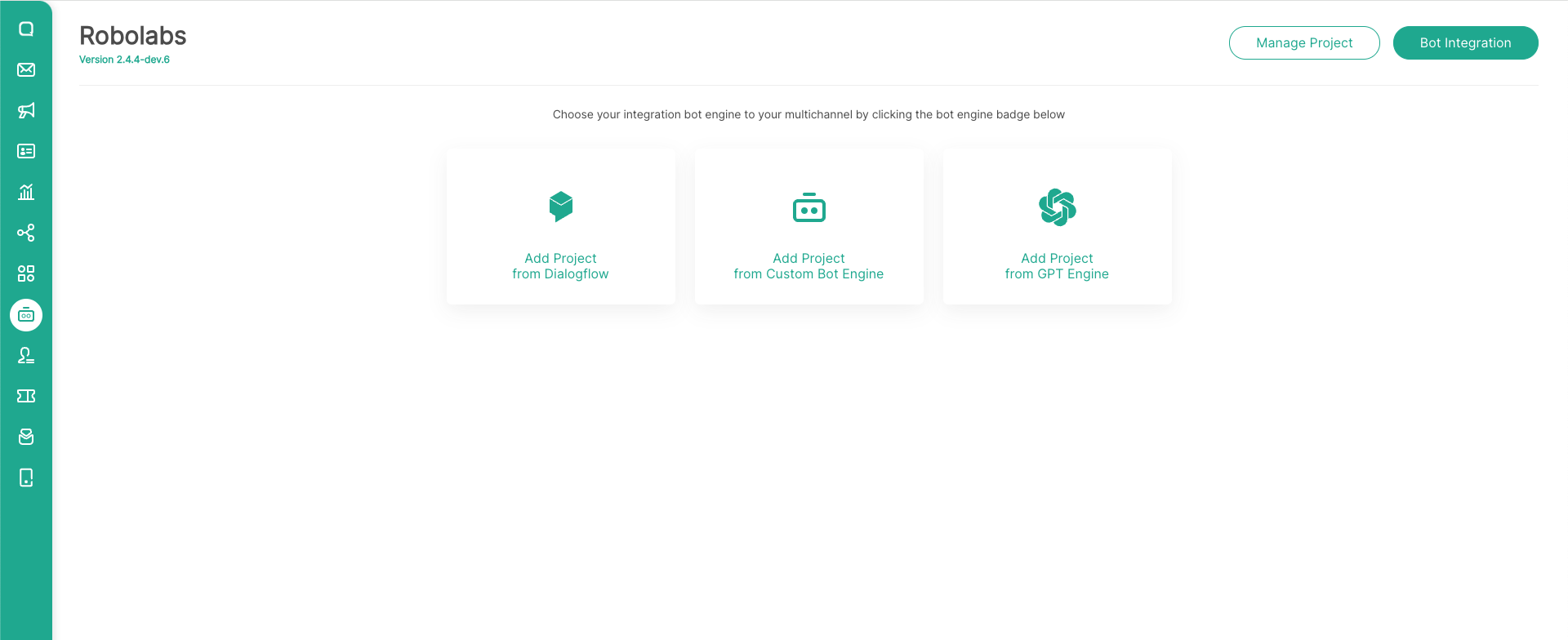
- Then select Add Project from GPT Engine
- Fill in the request form on the page, and elaborate the use case that you want to use in this bot project
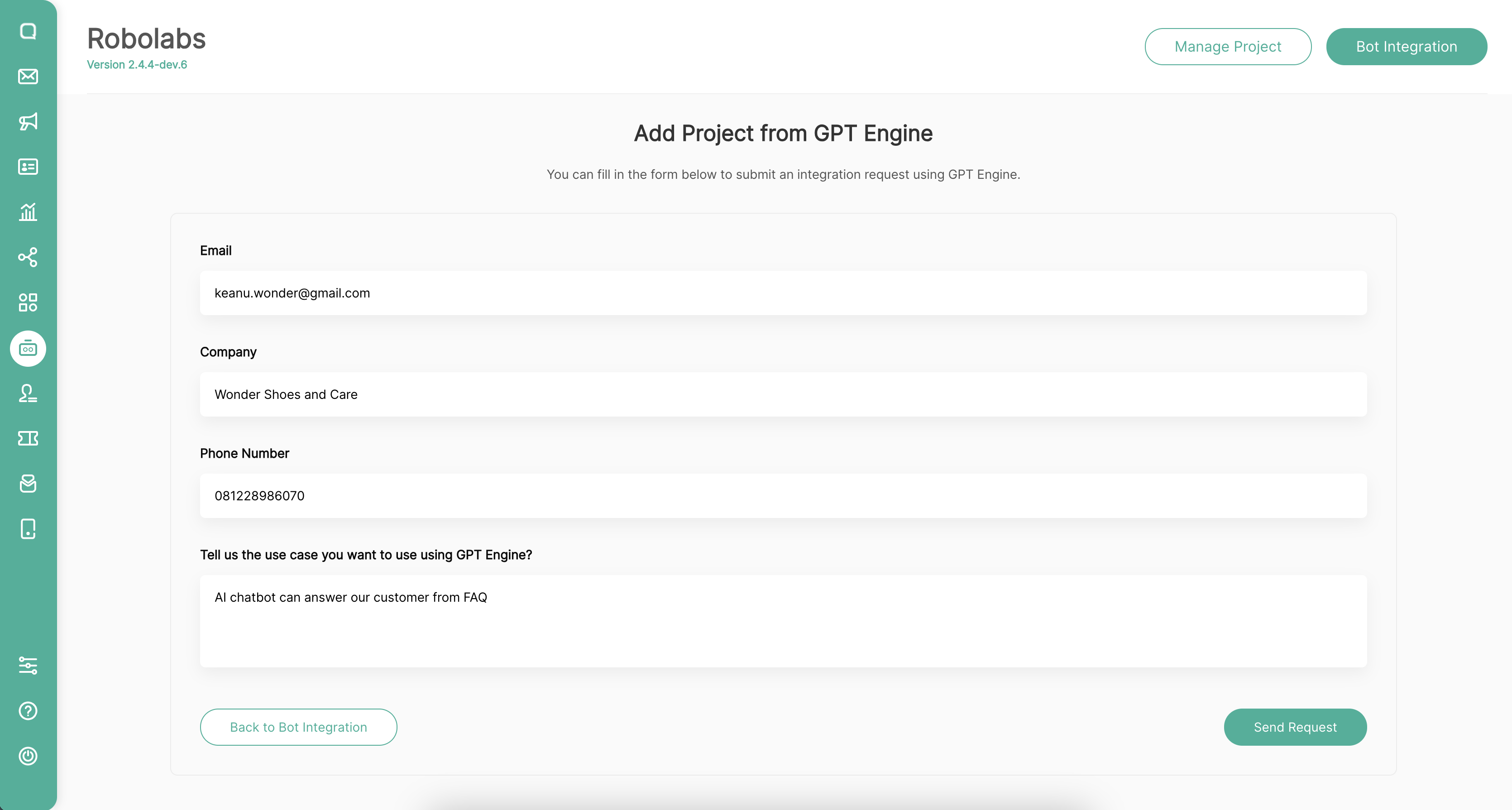
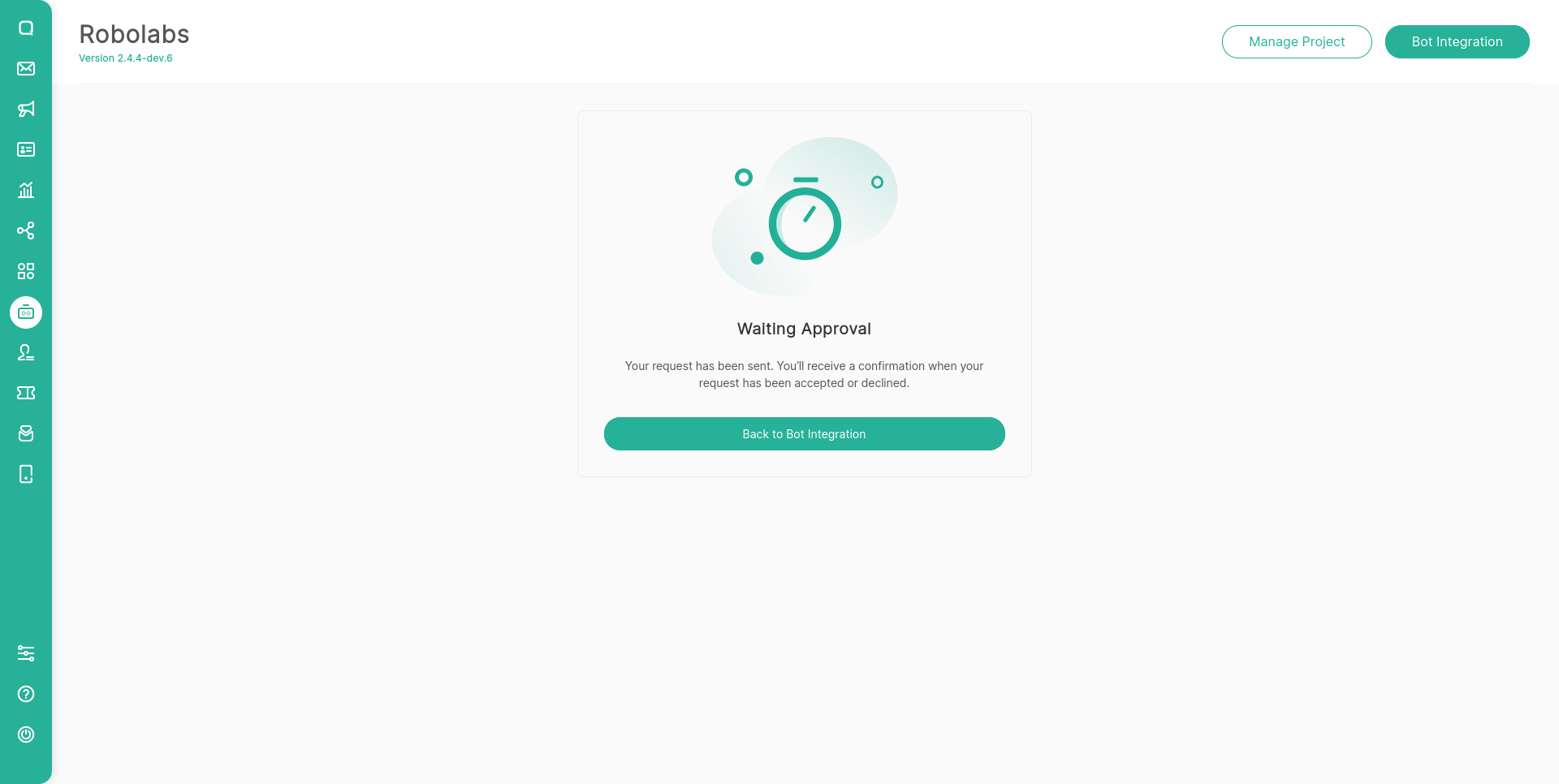
- Click Send Request, after that wait for our team to verify your request. Or you can contact our AM team
Create your Own AI Bot
After your request has been approved, you can create an AI chatbot according to your needs.
Bot Information
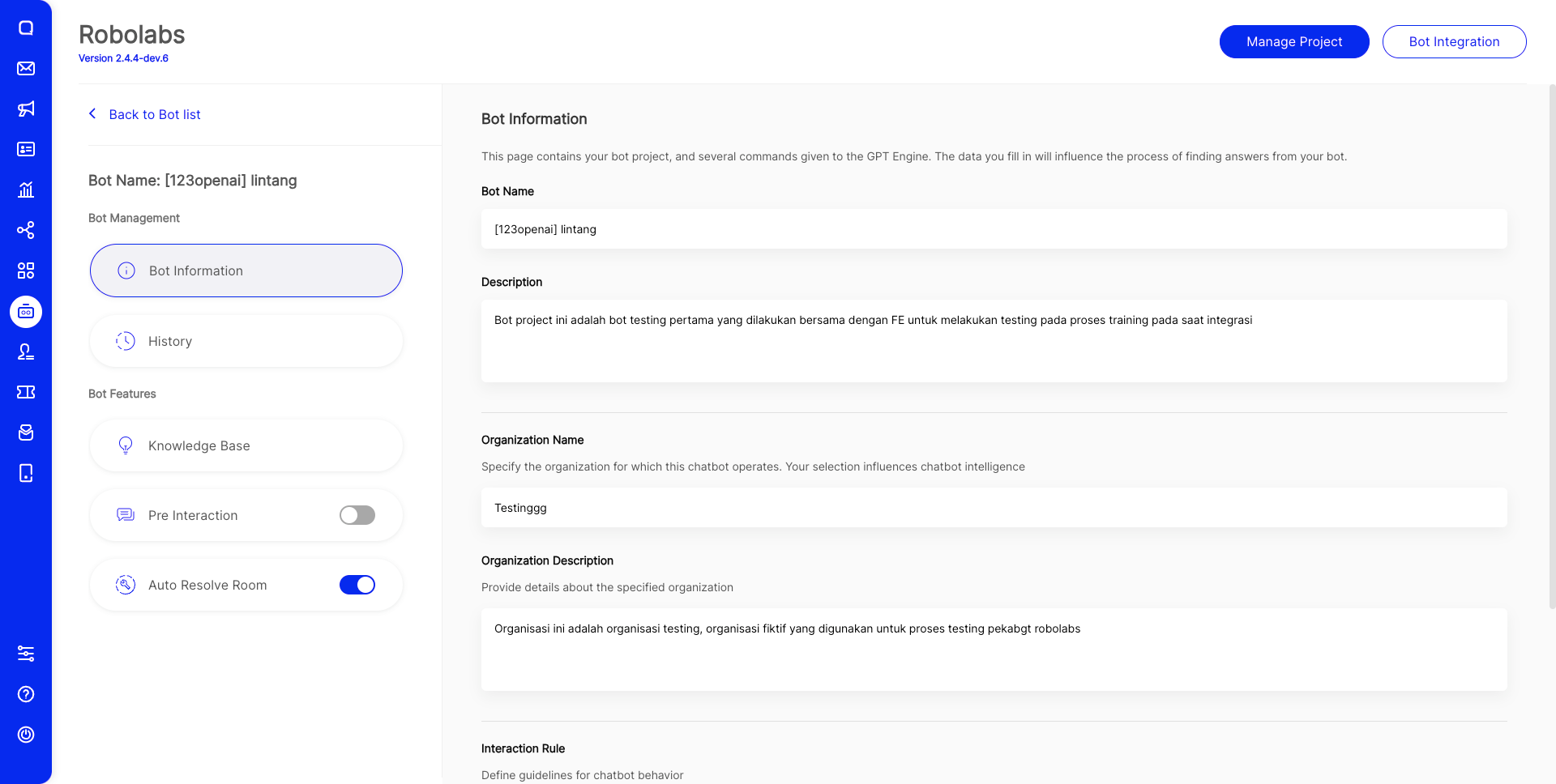
On this page, you must enter several bot profiles so that your bot can respond more clearly and comprehensively to customer messages. We use some of these forms as prompts that we process in the GPT Engine, make sure you fill them in with details.
- Bot Name: Provides the name of the bot in this project
- Bot Description: A description of the bot you are using in this project
- Organization Name: Specify the organization for which this chatbot operates. Your selection influences chatbot intelligence
- Organization Description: Provide details about the specified organization
- Interaction Rule: Define guidelines for chatbot behavior. To make the chatbot smarter and understands every command you specify, write the rules you create for your chatbot longer and more clearly.
History
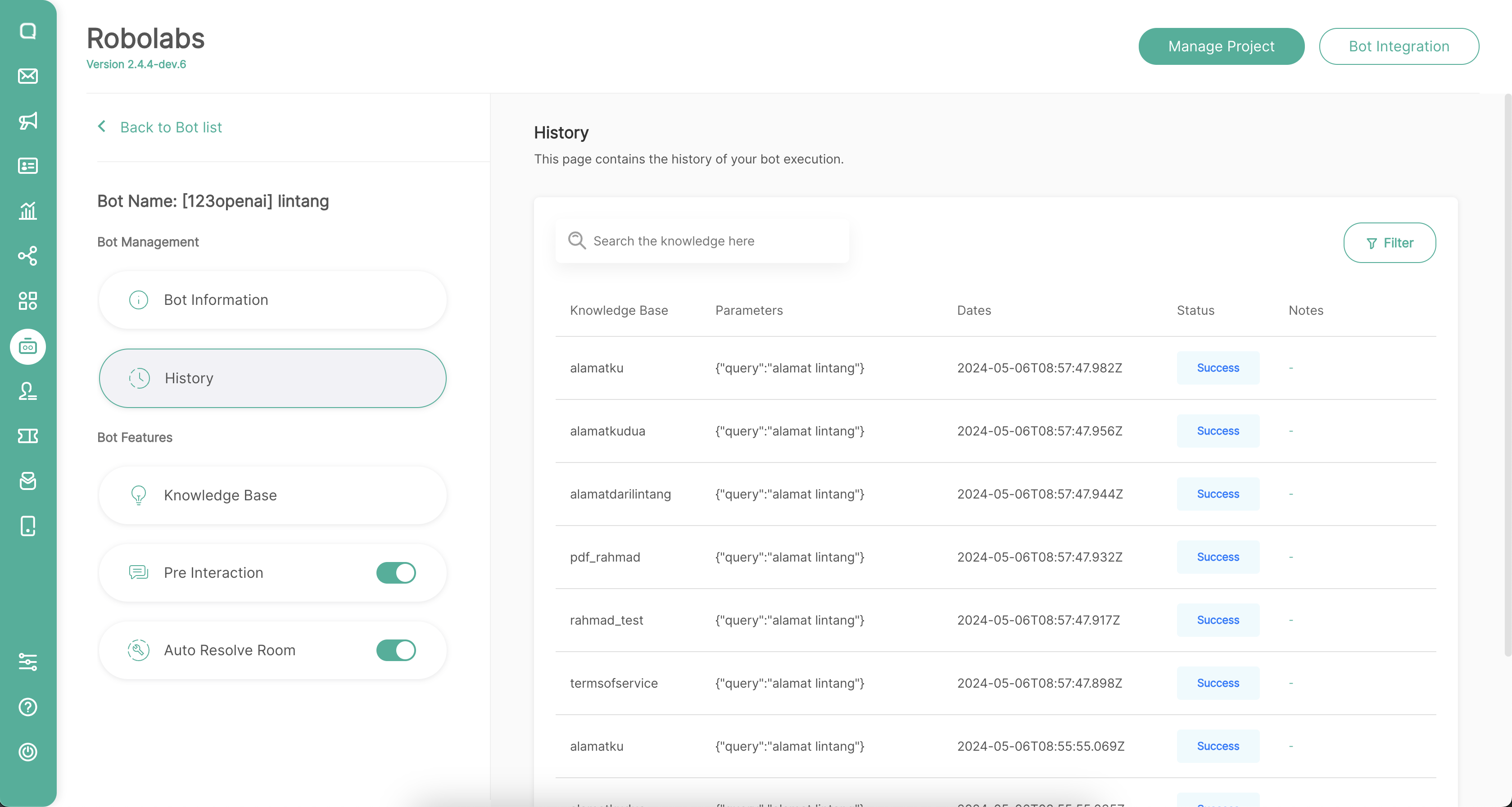
This history record all executions carried out by the AI chatbot, we can see that messages sent by customers will be processed by AI with context written in the parameters table, and knowledge
Leave a Reply