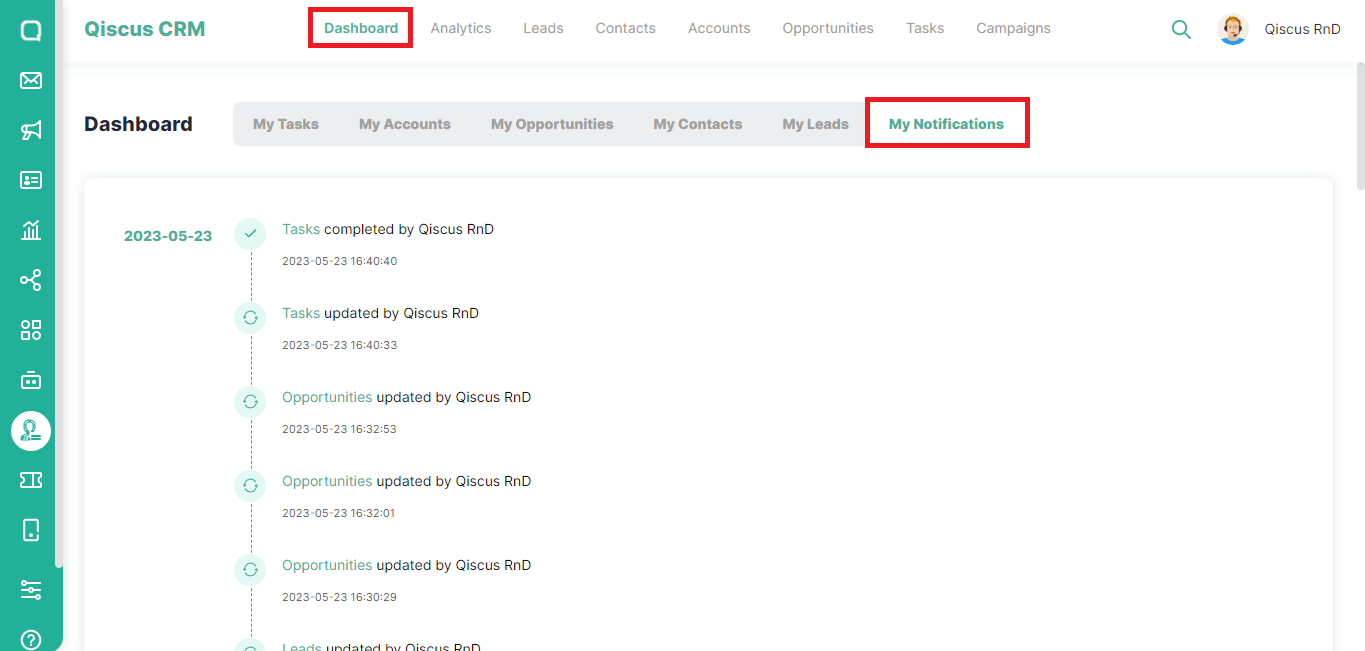
The My Notification section displays a list of recent activities performed. It helps you to recall their previous actions and ensures the integrity of the information. To access My Notifications page, please follow these steps:
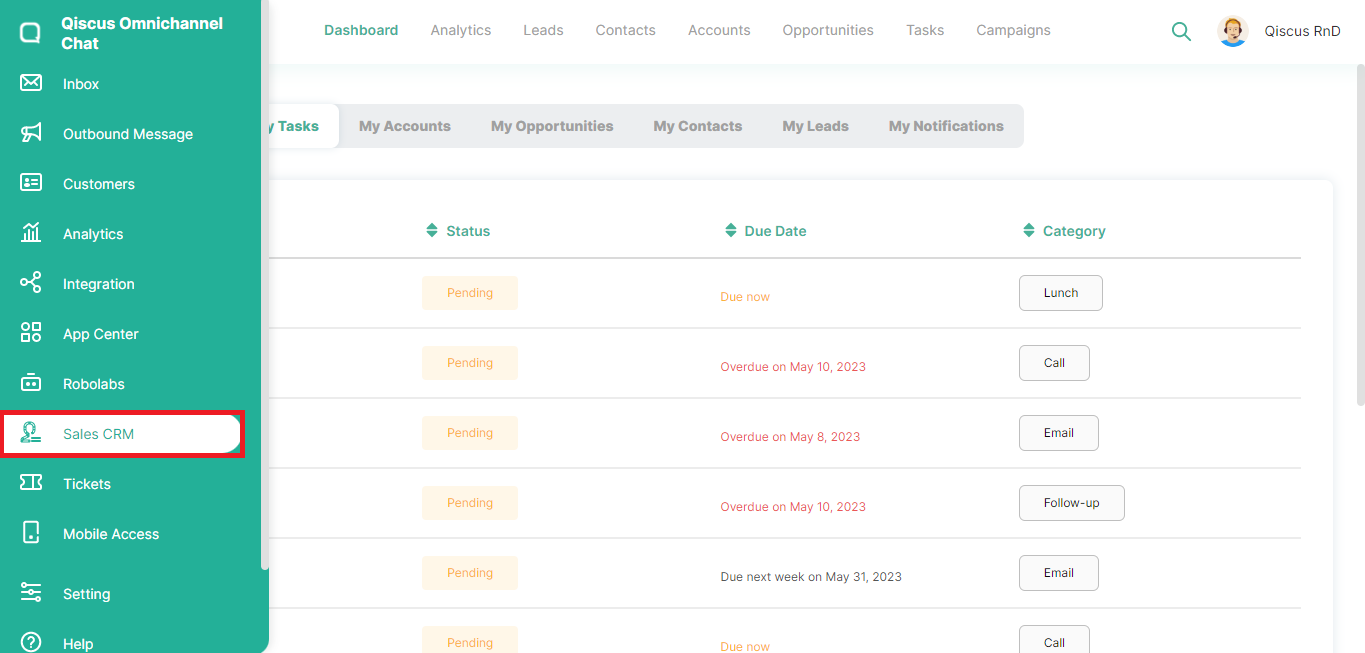
- Click the Sales CRM menu in the left sidebar,
- Click Dashboard at the top, then select My Notifications. You can quickly view information about the recent activities.
Leave a Reply