TikTok Direct Message
LIMITED ACCESS USER
TikTok Direct Message integration allows you to connect to your customers through TikTok application. For TikTok integration, you need to have TikTok Business Account. You can integrate multiple TikTok Accounts.
The limitation:
- Only inbound message. You can only sent messages to customers who contact you first through TikTok direct message. You are not allow to broadcast or follow up them.
- You can sent up to 10 messages within 48H of receiving message from your customer through TikTok direct message.
- Allow message content : image and text.
Expired Windows Simulation
This simulation explains how the message quotas and windows work between Customer Message (CM) and Business Messages (BM). The message quota refers to the number of messages a business can send within a 48H (Hour) session window, and how it resets after the window expired.
Simulation Breakdown:
- H1 : CM1 = The customer sent the first message. This opens a 48H messaging window where the business can respond.
- H2 : BM1 – BM3 = The business responds with three messages. After sending these, the remaining quota is 7 messages (out of 10).
- H4 : BM4 = The business sent a fourth message, reducing the quota to 6 messages.
- H7 : CM2 = The customer sent a second message. This message keeps the window open, allowing further business responses, resetting the quota back to 10 message.
- H8 : CM3 = The customer sent a third message. The window remains open for the business to respond, the remaining quota keep on 10 message.
- H10 : BM1 = The business sent the first message after the last customer interaction, and reduce message quota back to 9 (due to the start of a new message cycle).
- H39 : BM2 = The business sent a second message, reducing the quota to 8 messages.
- H56 (Window Expired) = After 48 hours from H8, the window will expire. The business can no longer send messages unless the customer re-initiates the conversation.
- H60 : CM4 = The customer sent a fourth message, reopening the messaging window and allowing the business to send more messages.
- H60 – H108 = After the window reopens, the business now has a fresh quota of 10 messages to use within the new 48H window.
Limitation on Image Attachment
The TikTok Business Messaging API allows users to send and receive images, but there are some important limitations:
- *User Region: *TikTok limits image sending based on users are located. The image feature is only available in certain regions. If either the sender or recipient is in an unsupported regions, they cannot send or receive images.
- Account Creation: Only TikTok accounts created through the official Mobile App can send images. Accounts created via other methods (like the Web) will not have this feature.
Unsupported Regions:
Australia, Colombia, European Union, Indian, Iran, Japan, Nigeria, North Korea, Philippines, Russia, South Korea, Turkey, Ukraine, United Kingdom, United States.
To integrate TikTok Direct Message, you can follow these instructions :
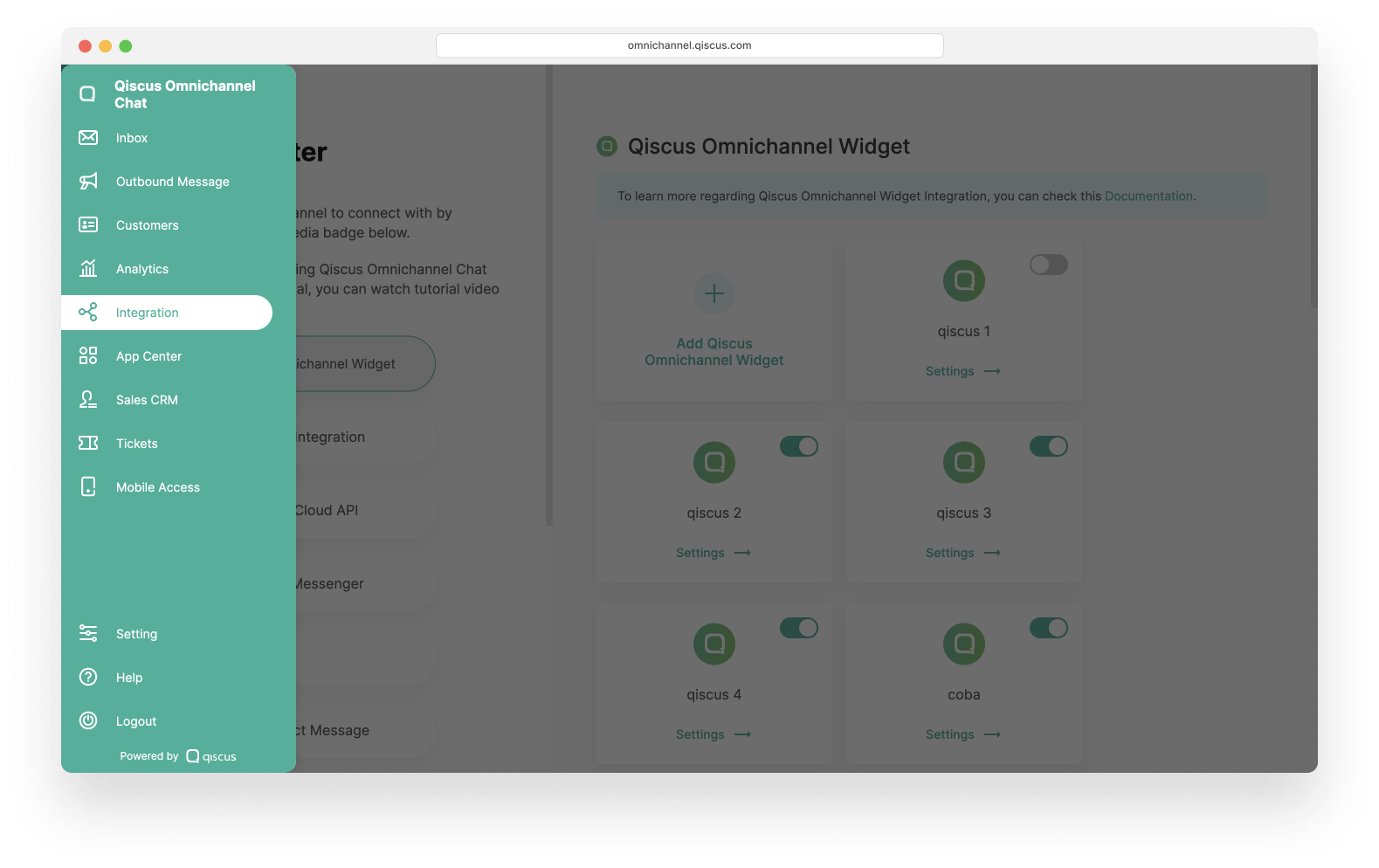
- Go to Integration page.
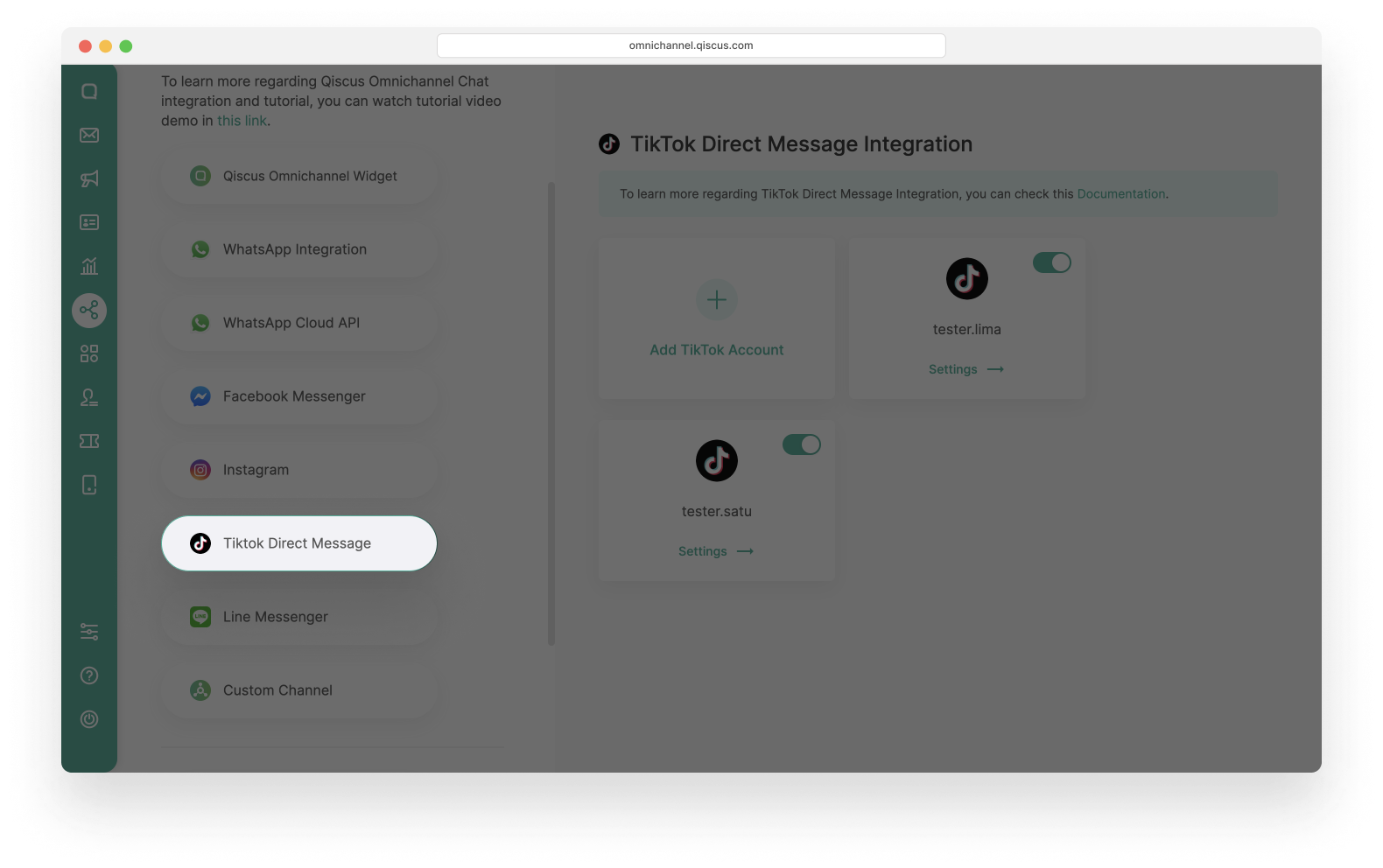
- Select TikTok Direct Message menu.
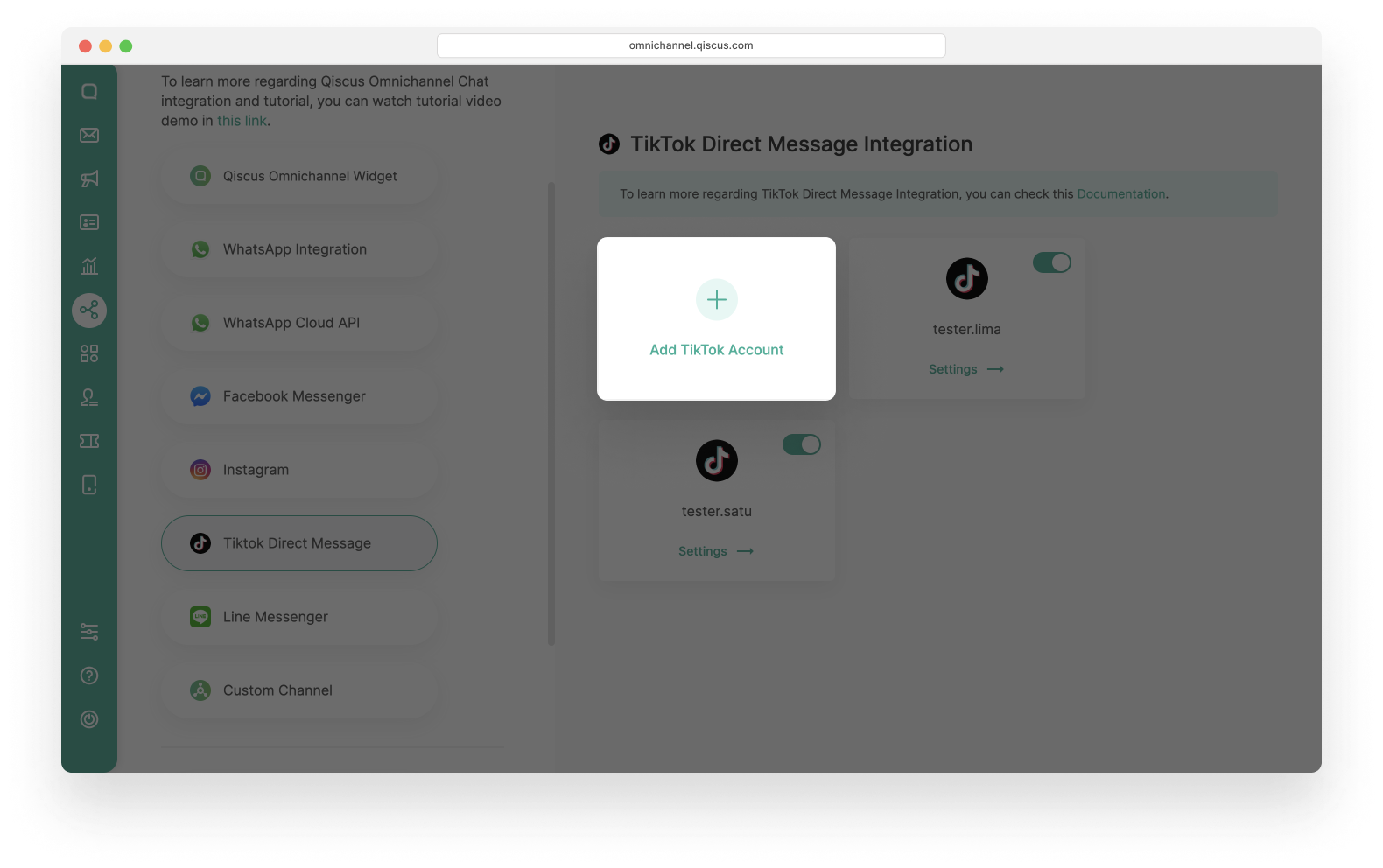
- Click Add TikTok Account.
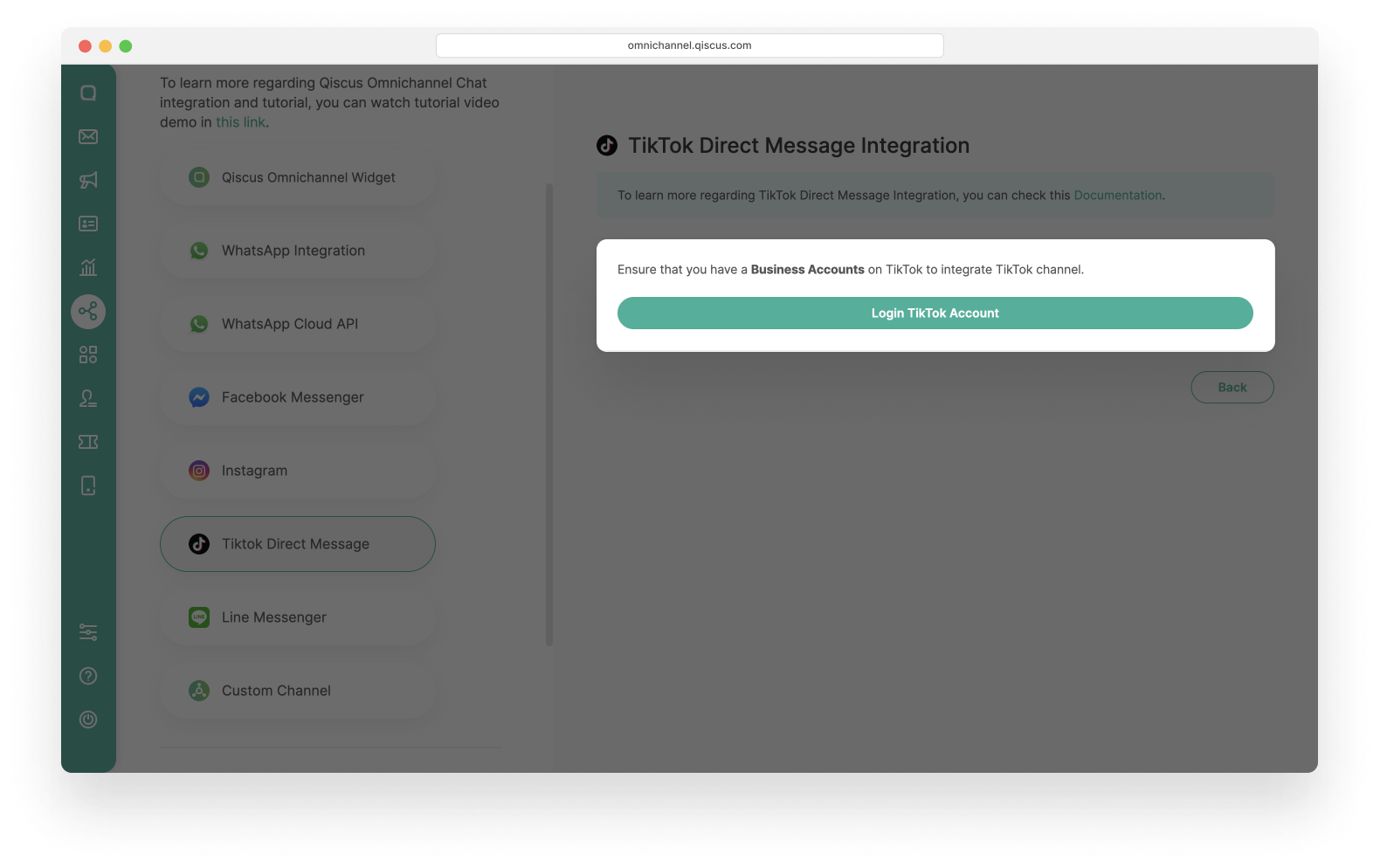
- Click Login TikTok Account, you will redirect to TikTok login page
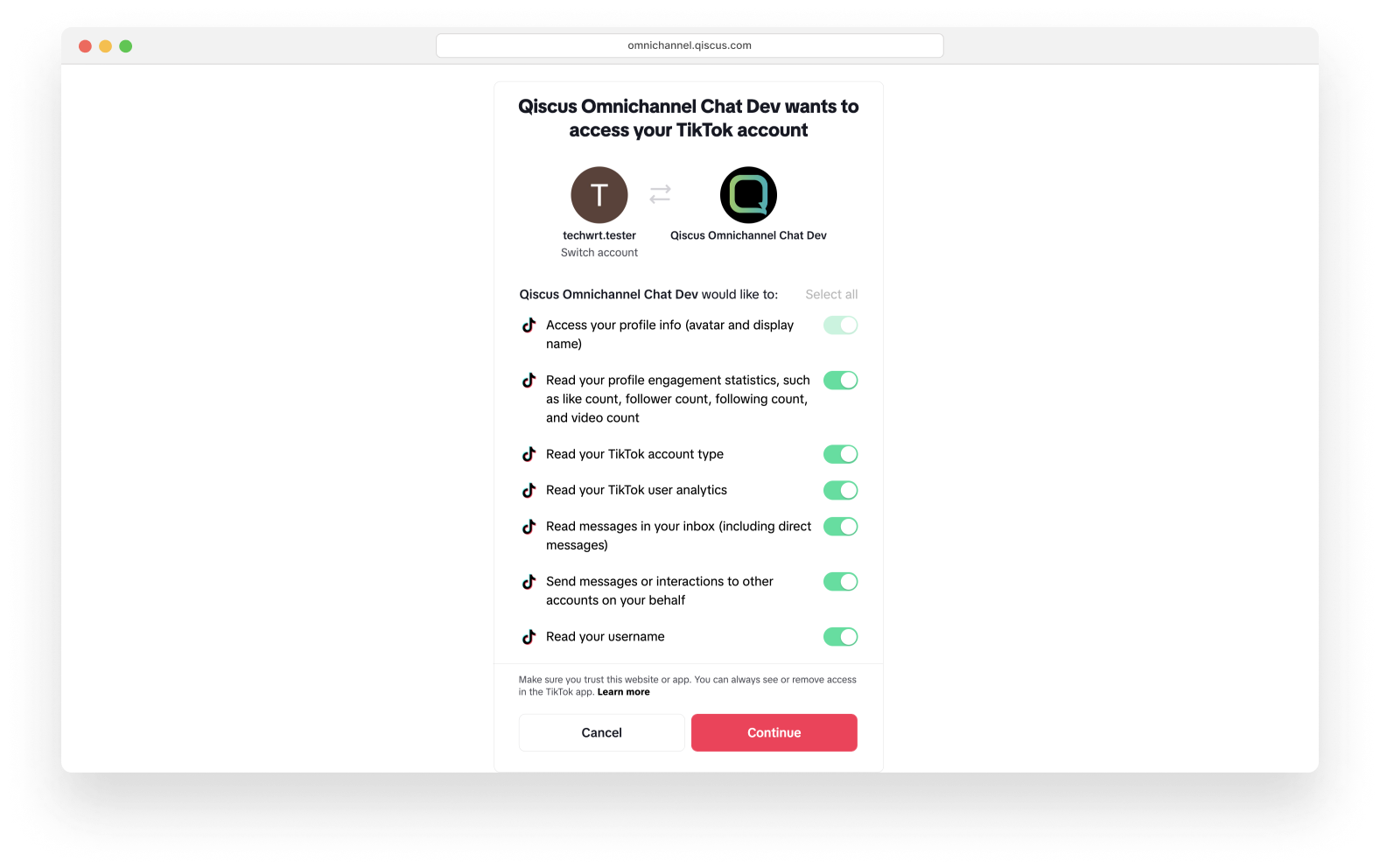
- Login with your TikTok Business Account and follow the step until this page, then click Continue.
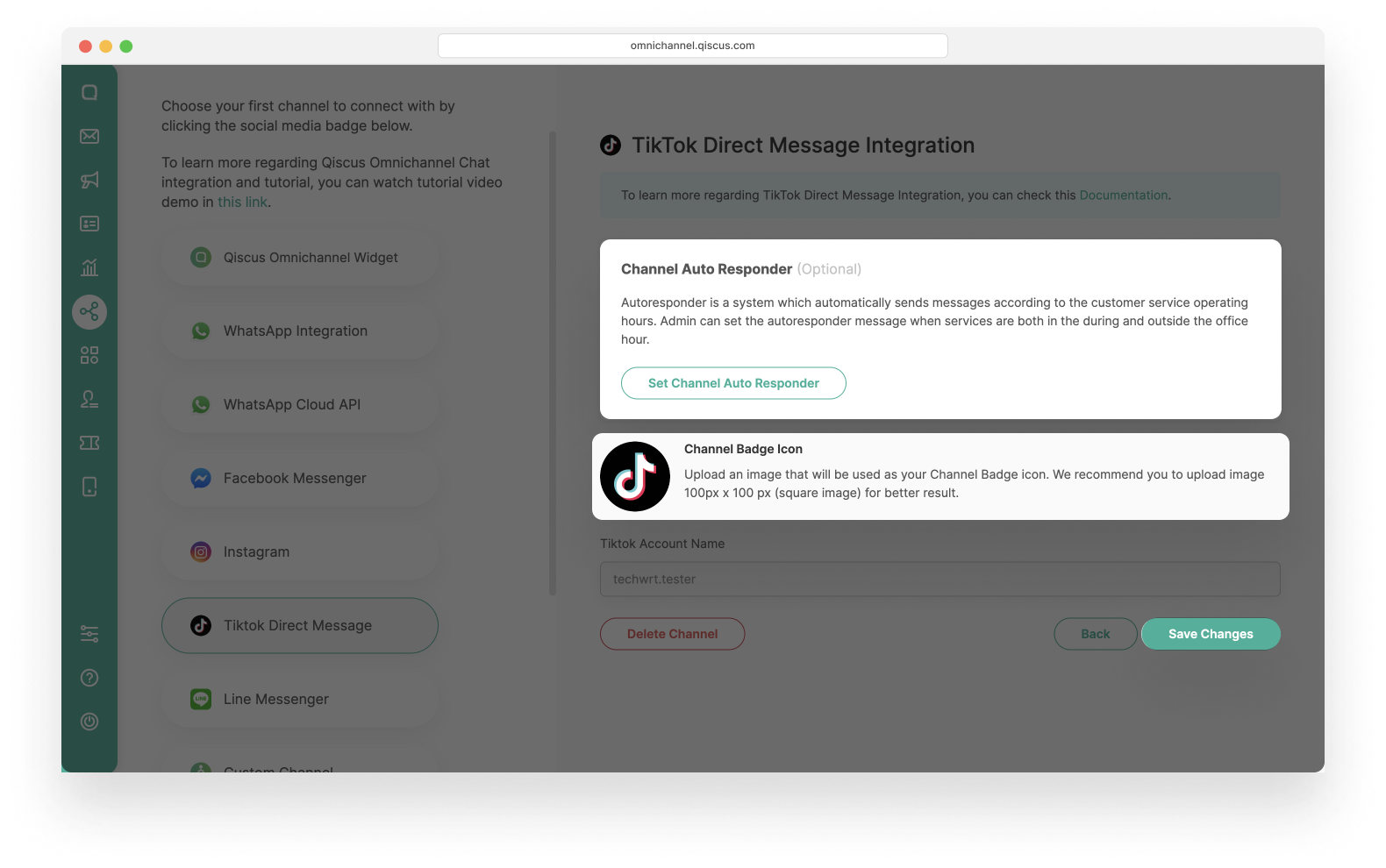
- Then you can set the auto responder and change the channel badge icon if you want or set uplater. Click the Save Changes button to save.
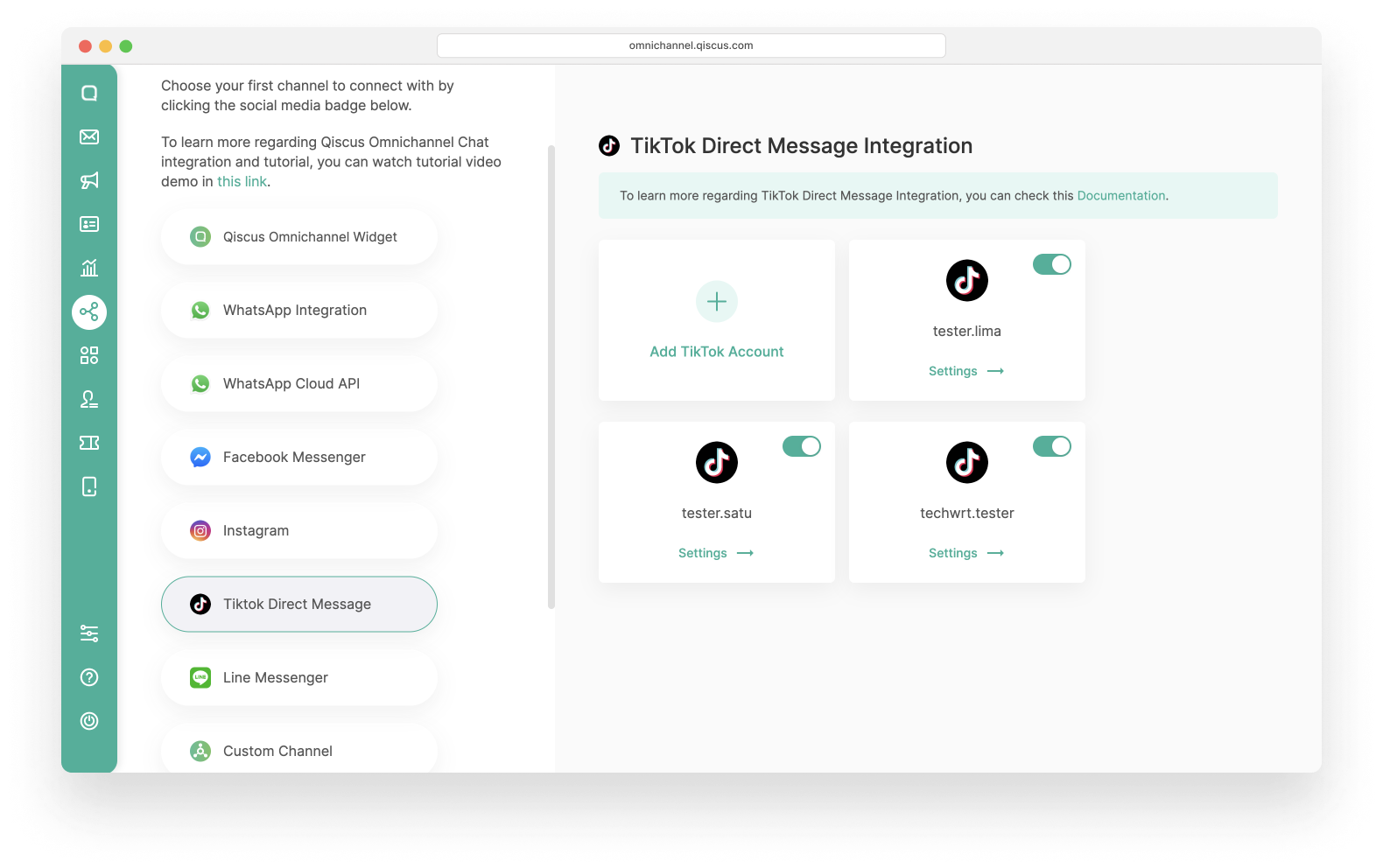
- Finally, You can connect your customers through TikTok direct message.
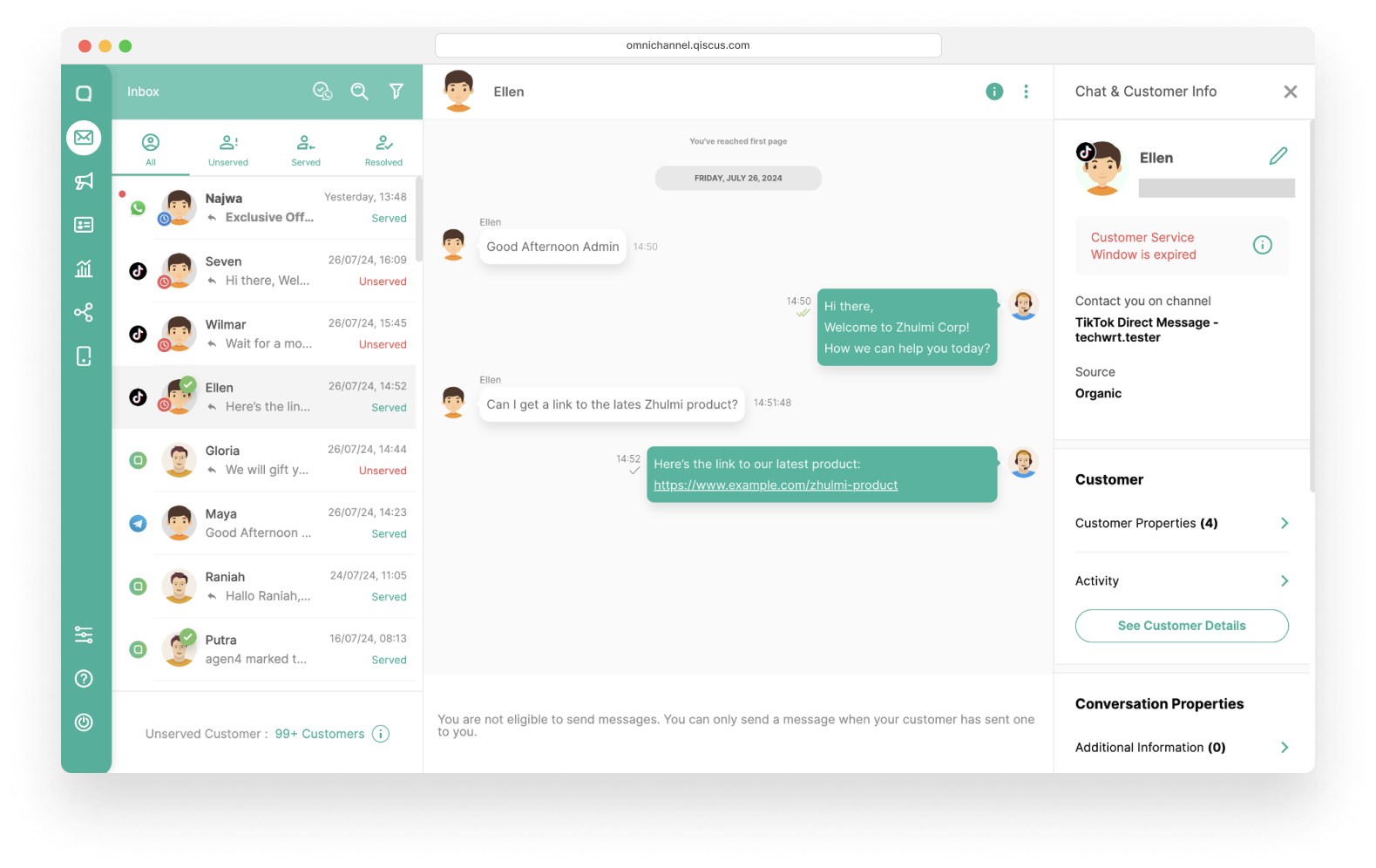
- and this is the result of having a conversation with the customer via TikTok Direct Message Channel.
Custom Channel
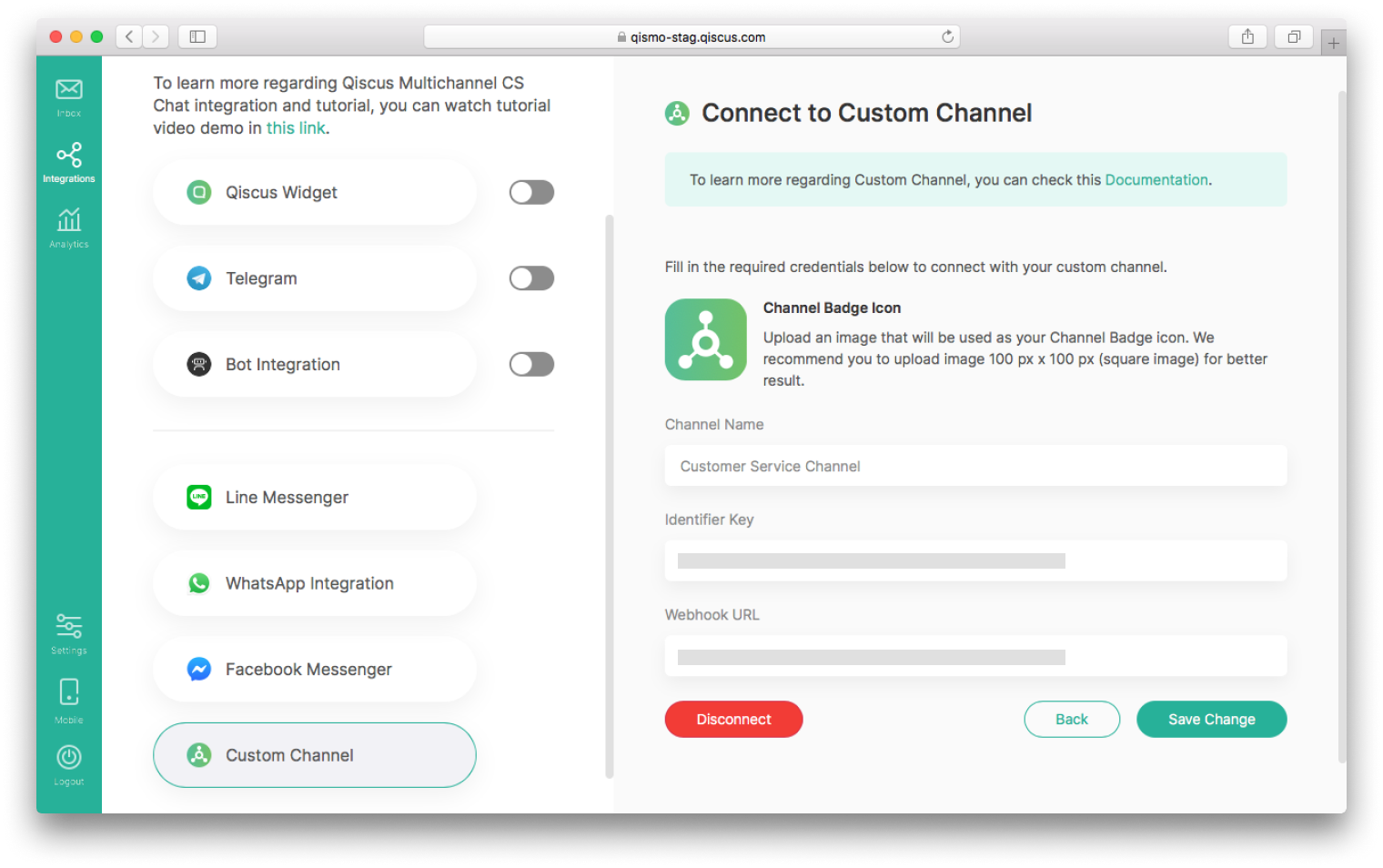
Beside those five channels, you can also integrate any services you want as long as it is related to text exchange, we call it custom channel. For example, if you want to allow interaction through SMS, you could do it by providing your own webhook url in custom channel.
The idea behind this custom channel is that you provide your own server to be hooked by Qiscus Omnichannel Chat whenever you want to send any messages via Qiscus Omnichannel Chat to your custom channel or other way around. For more information about this custom channel, you can follow up at Custom Channel & Custom Agent Allocations section.
Leave a Reply