Contacts in Qiscus Helpdesk (QTicketing) are a feature that listing a personal data of a person or company that you communication with, especially by writing to them regularly. This data can be created automatically by system or manually by user agent.
Customer
Customer data in QTicketing will stand for a single customer data entity with several properties like name, email, phone number, about, notes and organization. There’s a 3 way that customer data can be created right now:
- Agent create manually on customer pages
- New inbound mail that received by your mail that registered on QTicketing
- Create new ticket via Qiscus Omnichannel chat.
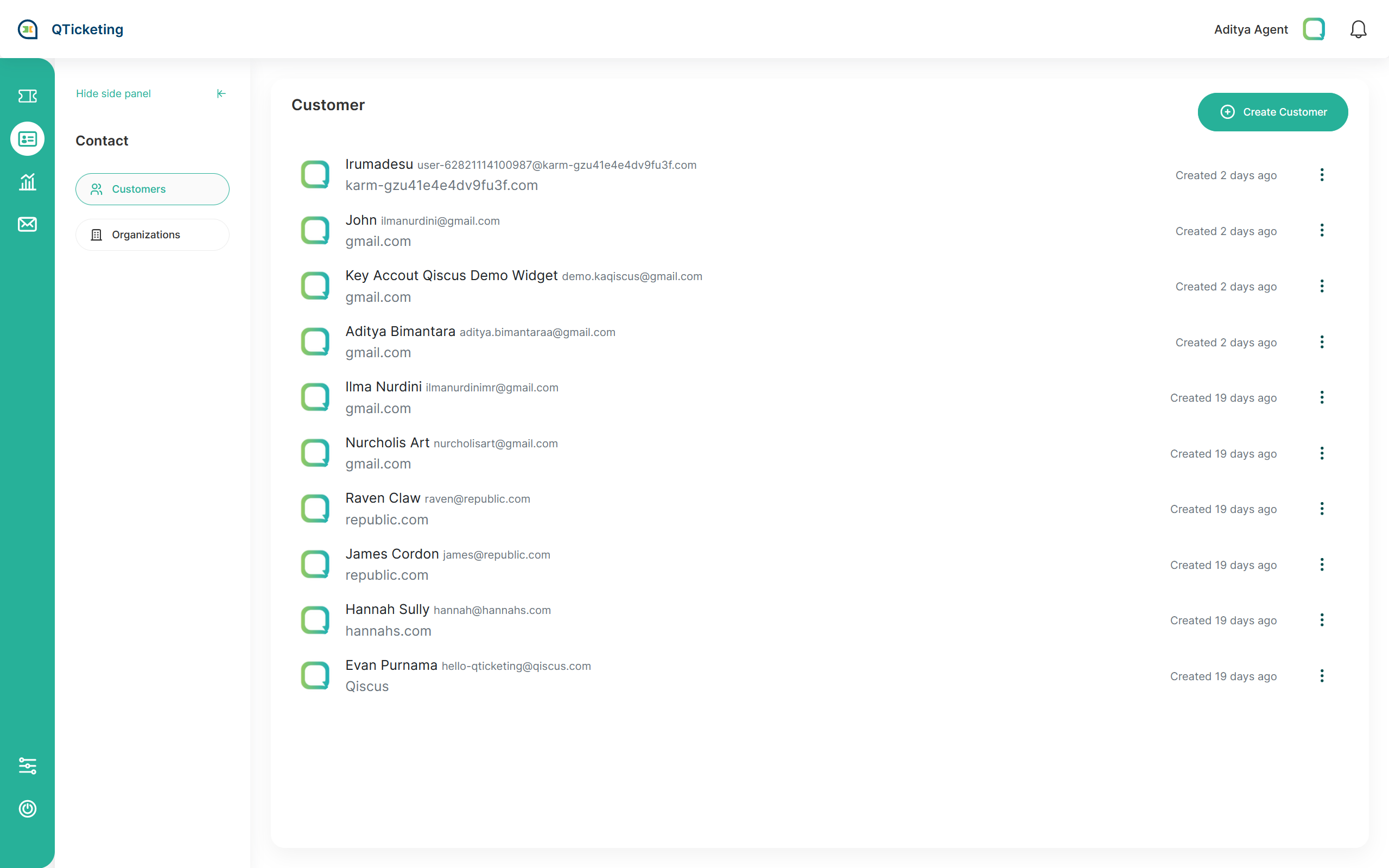
Create new customer data on customers page
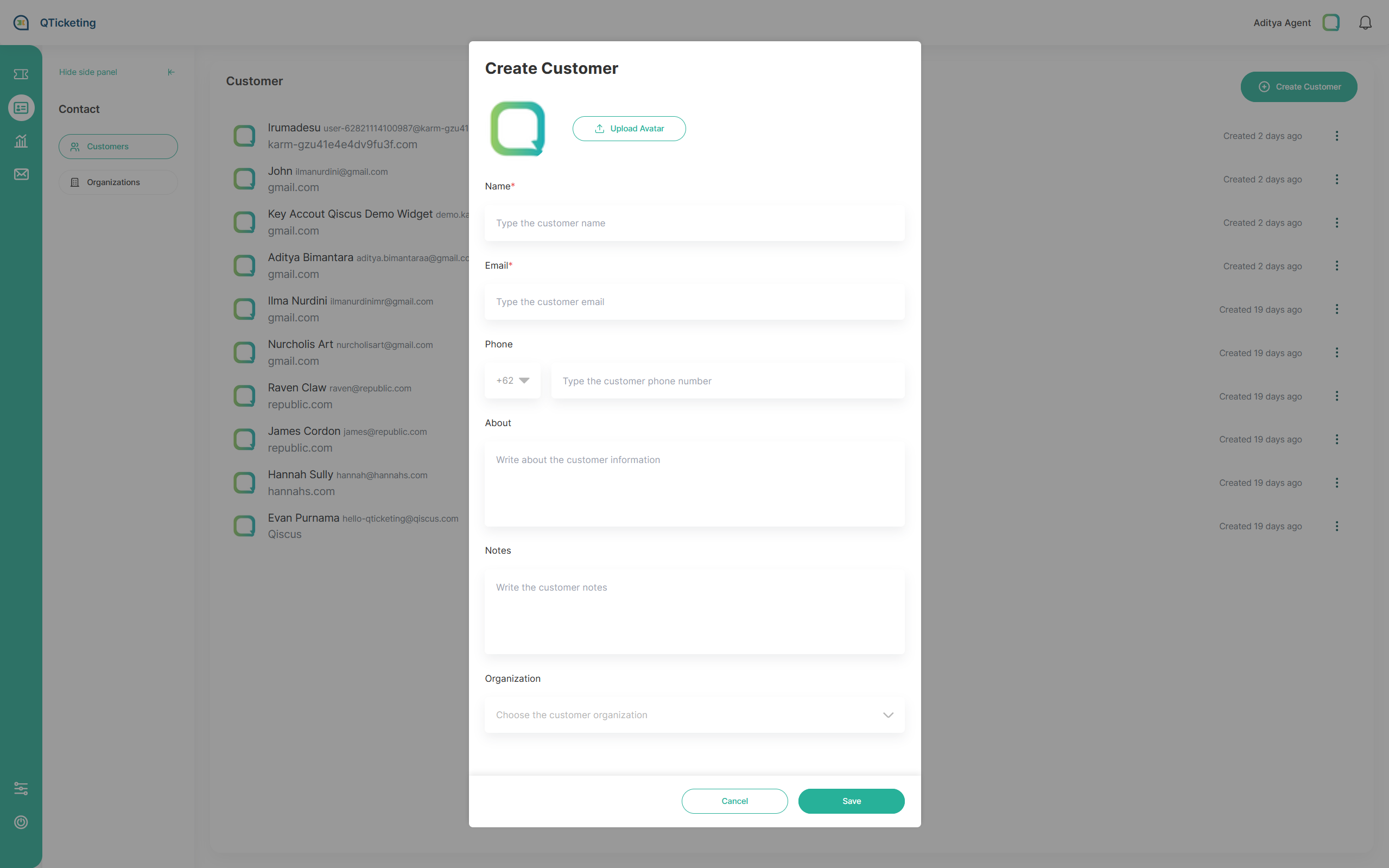
To create new customer data, the only mandatory data is only name and the rest is optional. There’s some field that you can add to customer data like the data that listed below:
- Name* → Name of customer and mandatory to filled
- Email* → customer mail
- Phone Number → customer phone number
- About → Optional information, such as an address.
- Notes → Optional notes.
- Organization → Pick the organization choices that reflecting to the customer’s company or the group of the customer.
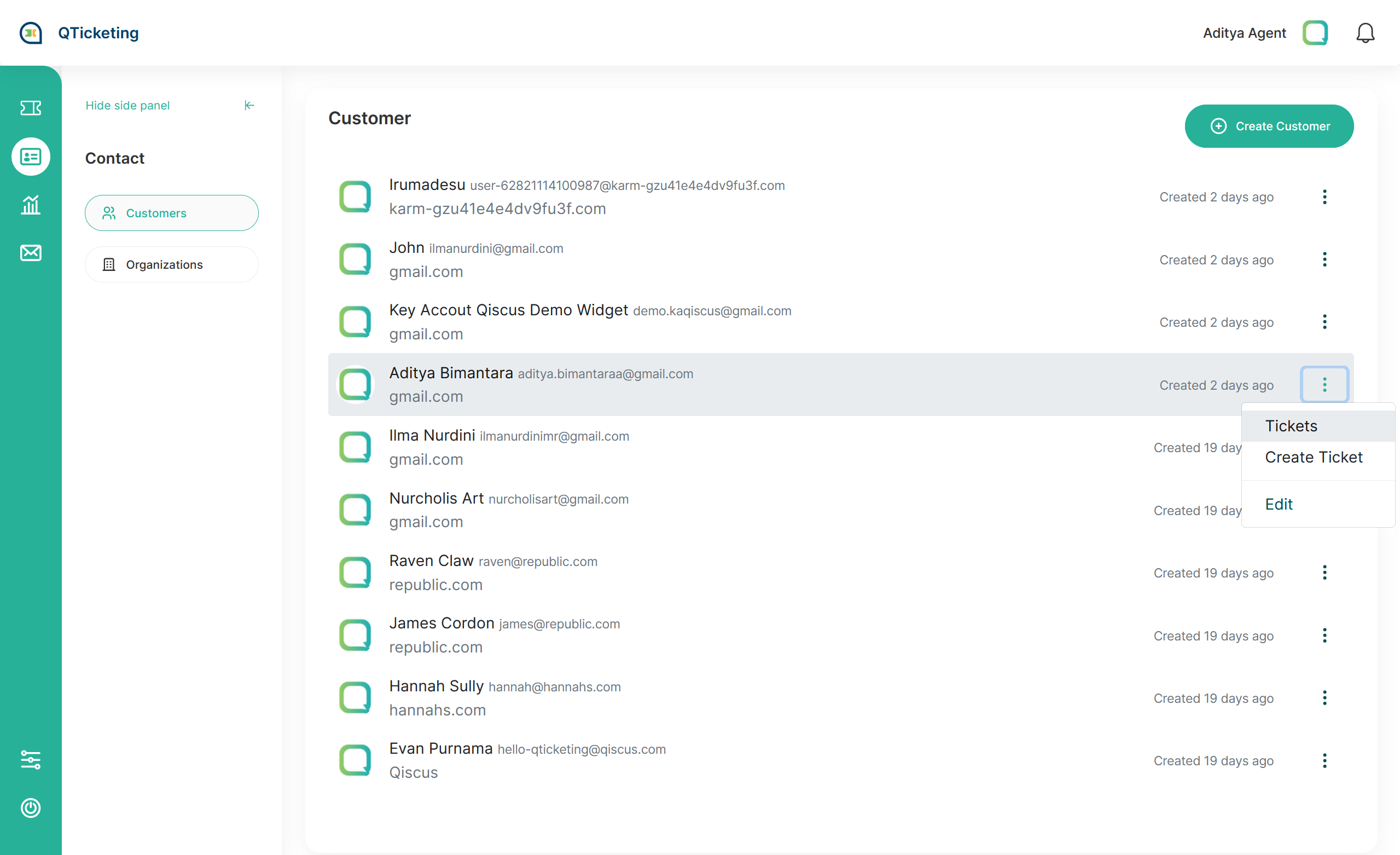
Customers Tickets
Find the list of created ticket from the customer in this page, it will easing you to tracing the past ticket from certain customer.
Organization
Organizations are stands for customer’s group. The Organizations page in QTicketing will give you access to create and manage organizations in your account.
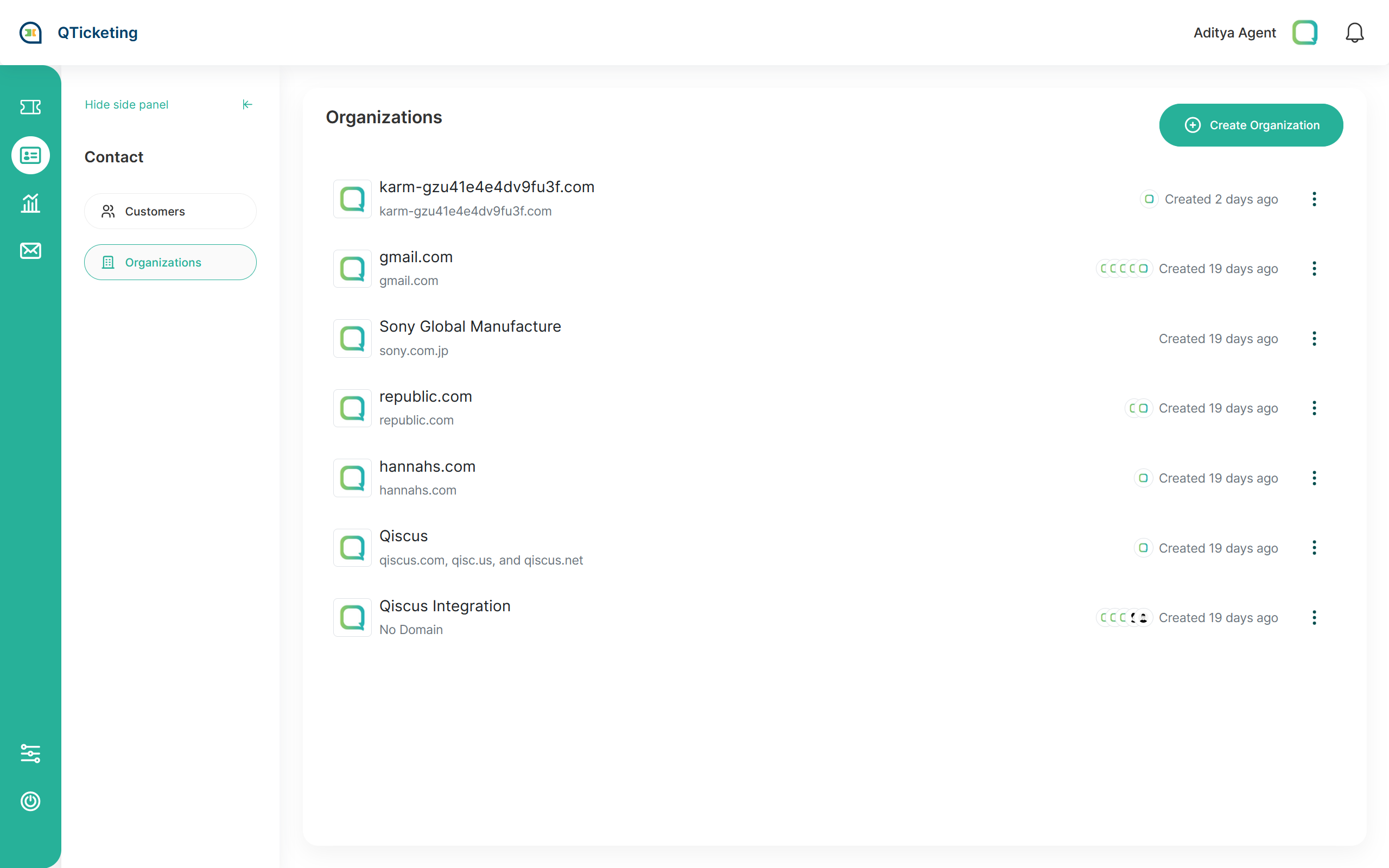
To grouping the customer you can use filter like @qiscus.com, it means all user that have domain @qiscus.com like aditya@qiscus.com or rifky@qiscus.com will grouped as a single organization without updating the customers data one by one.
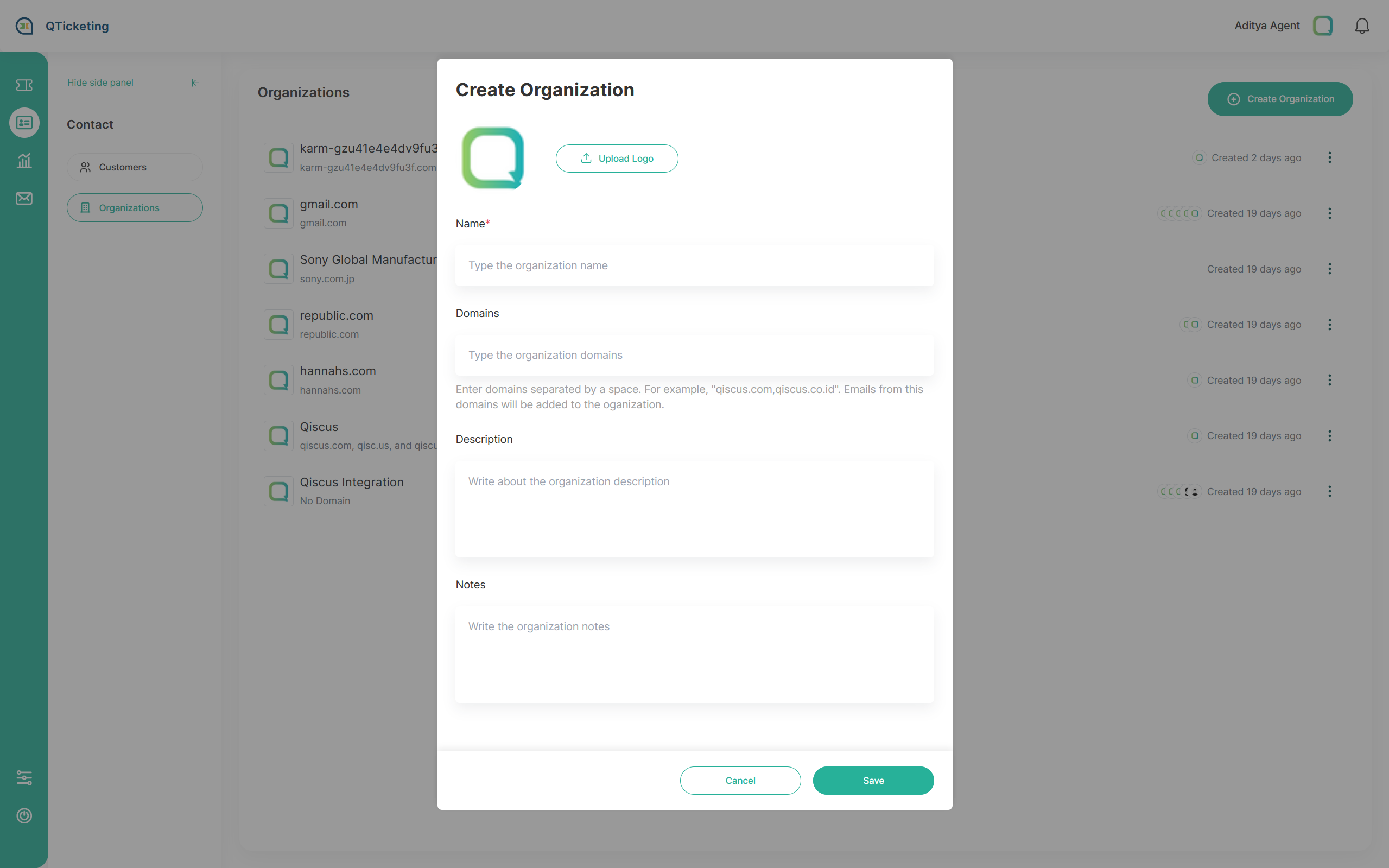
For customers that didn’t have email data, you’ll still able to add them to the organization in customer pages.
Leave a Reply