The My Leads section consists of a list of potential customers that can be converted into actual customers. To access My Leads, please follow these steps:
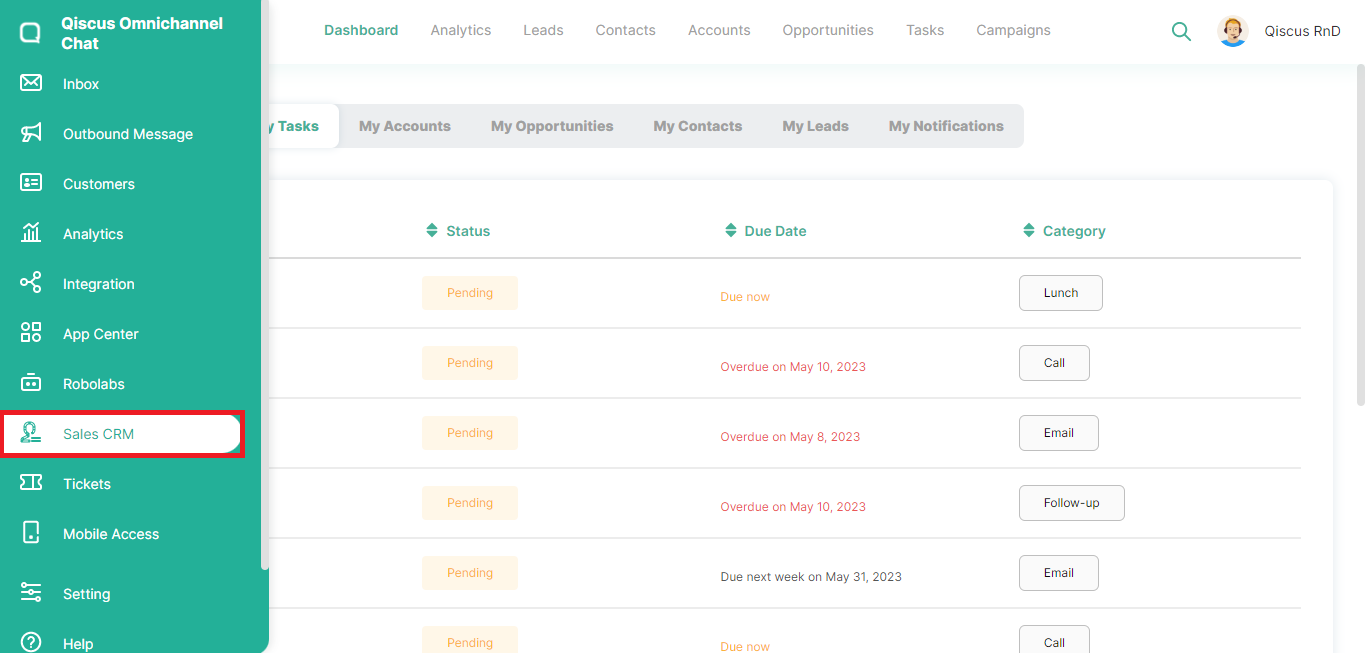
- Click the Sales CRM menu in the left sidebar,
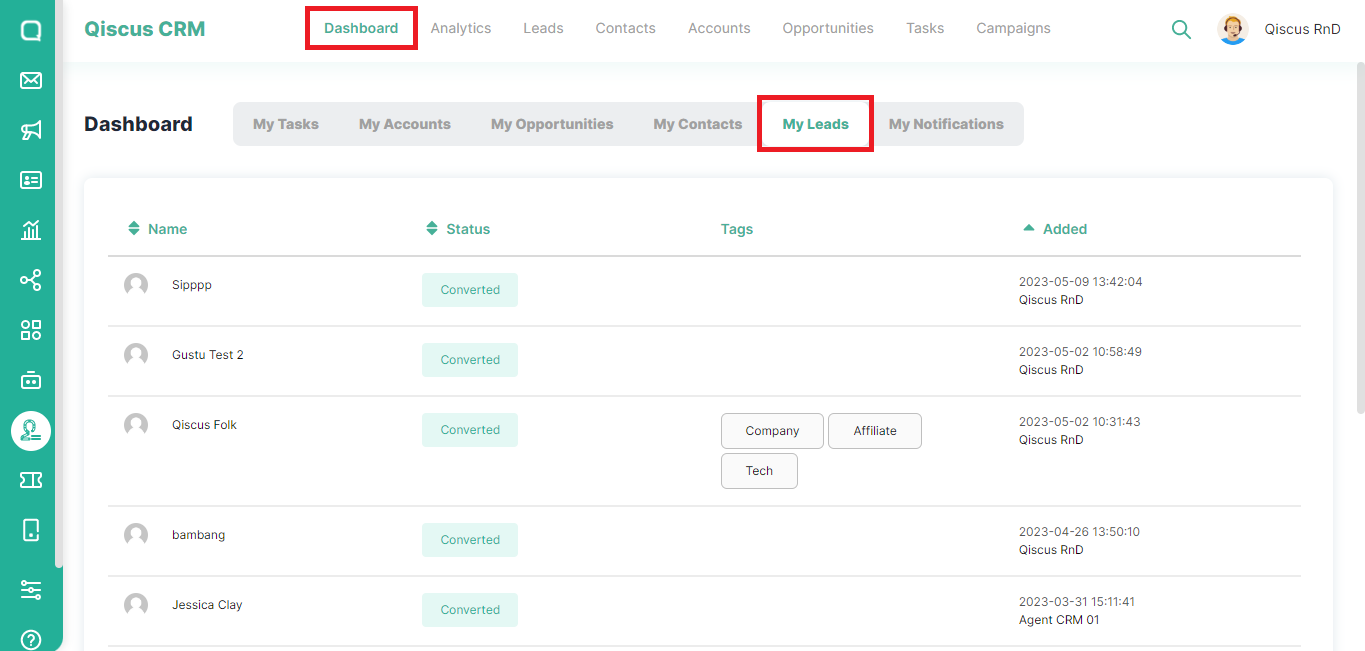
- Click Dashboard at the top, then select My Leads,
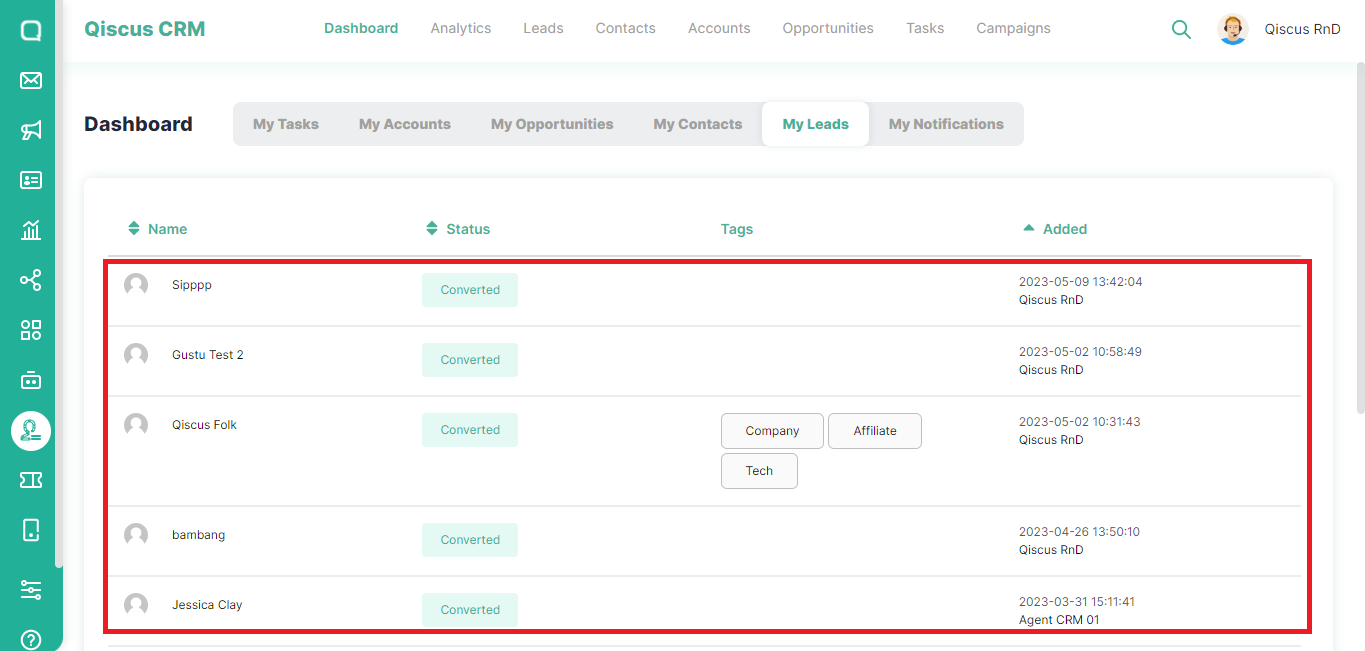
- You will see a list of leads, statuses, and tags,
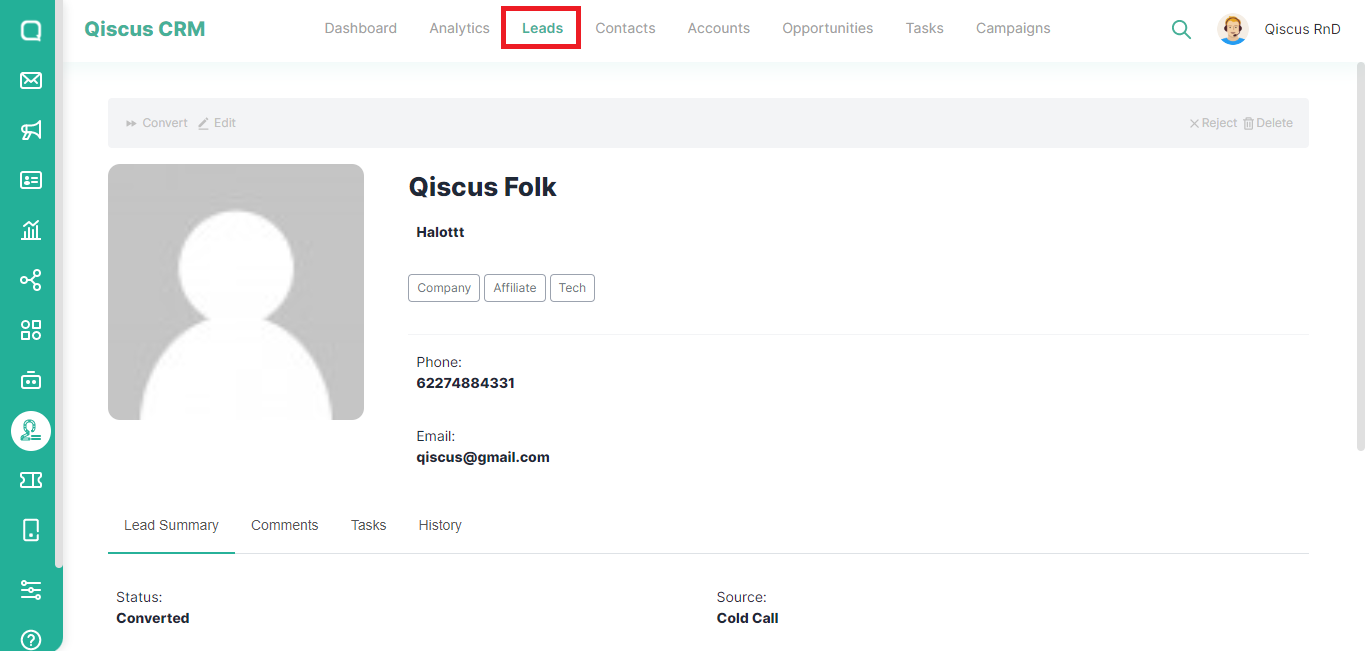
- If you click the lead name, you will be redirected to the Leads page.
Leave a Reply