The My Contacts section contains the data of customer contacts with whom we have potential business opportunities. To see the list of all contacts you can follow these steps:
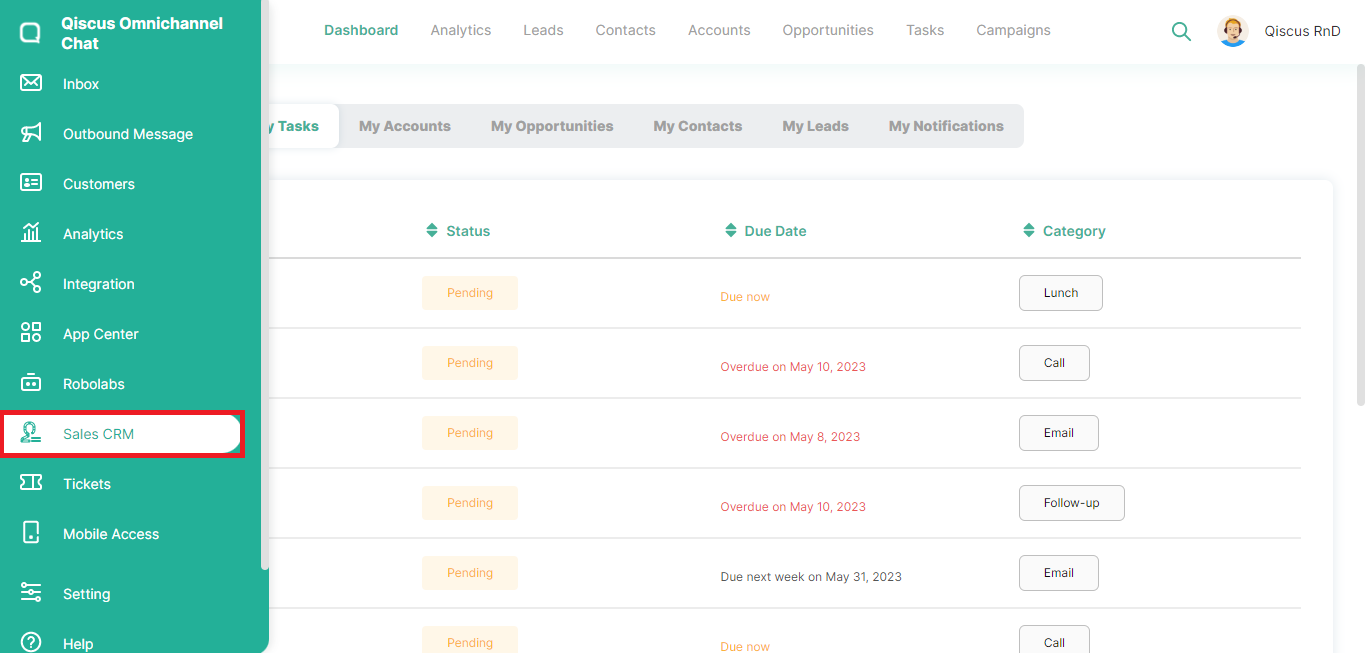
- Click the Sales CRM menu in the left sidebar,
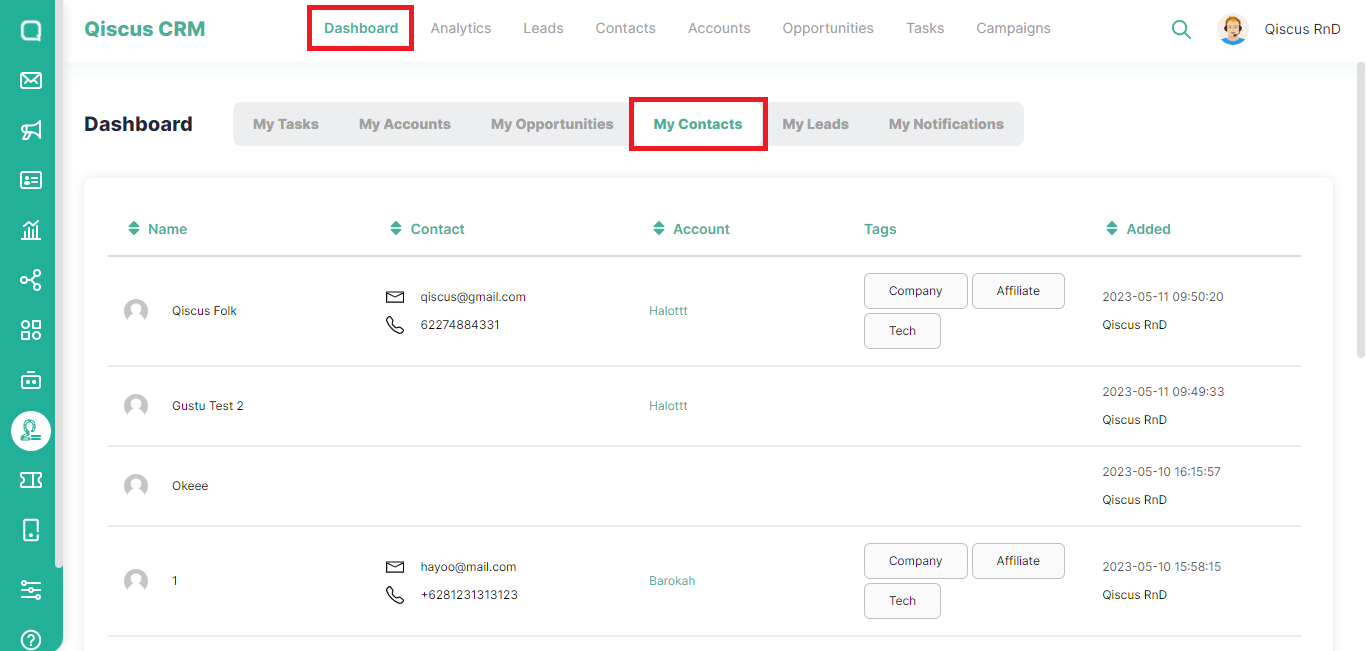
- Click Dashboard at the top, then select My Contacts,
- You can see information about the contacts you have and also the accounts associated with those contact,
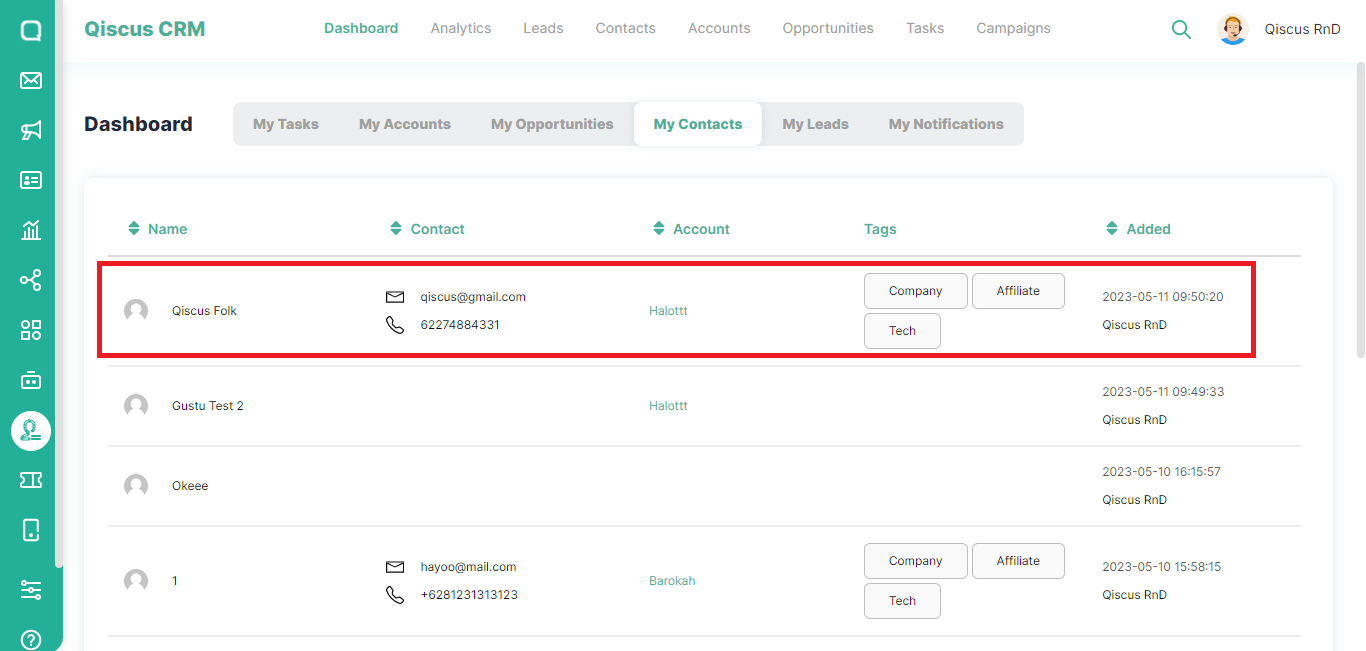
- If you click the contact name, you will be redirected to the Contacts page. Likewise, if you click on the account name, you will be directed to the Accounts page.
Leave a Reply